A time audit is a short period, usually one week, where you record how you actually spend your working time, then compare it with how you think you spend it and how you want to spend it. It’s the quickest way to find the hours that leak into email, meetings and switching between tasks, and to see whether your most important work is getting the time it needs.
This guide shows you how to run a one-week time audit, which categories to track, what patterns to look for, and how to turn the results into concrete changes to your routines.
What a time audit is
A time audit has three parts:
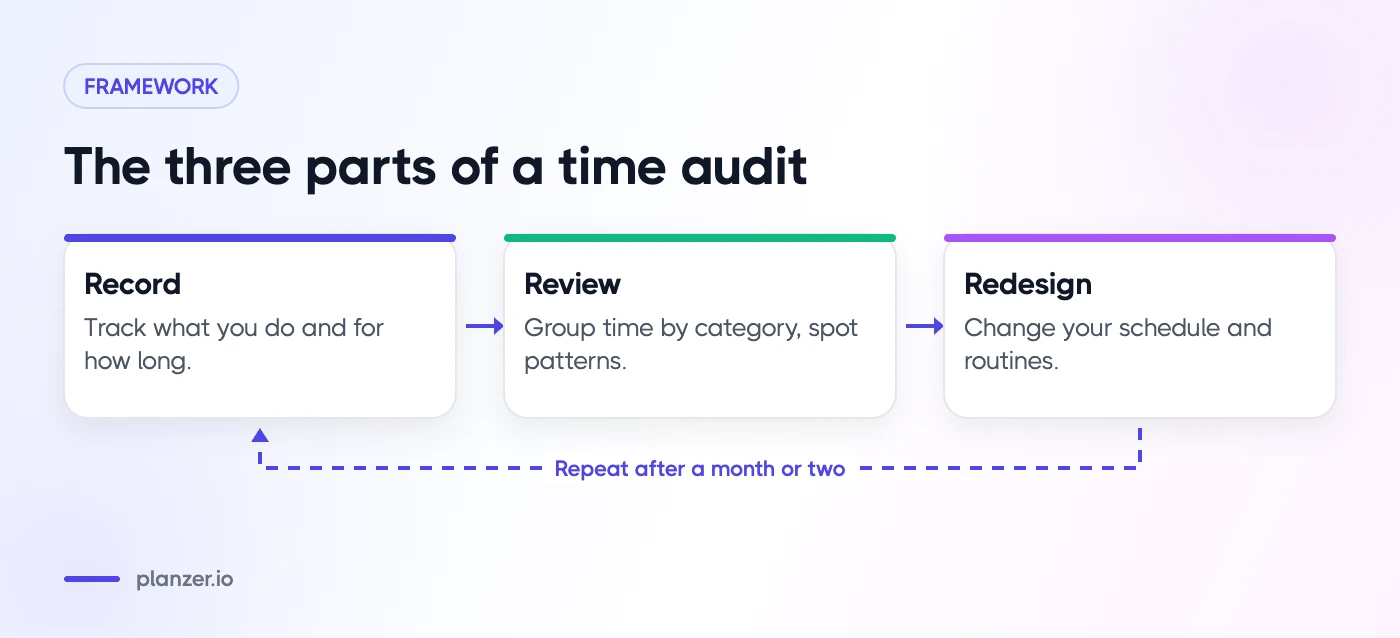
- Record. For a set period, track what you do and for how long.
- Review. Group the time into categories and look for patterns.
- Redesign. Change your schedule, routines and habits based on what you found.
It’s different from everyday time tracking. Time tracking is ongoing and often for billing or reporting. A time audit is a short, focused experiment with a clear question: “Where does my time go, and is that where I want it to go?”
Freelancers use audits to find unbilled work. Founders use them to see how much time goes to tasks they should delegate. Knowledge workers use them to understand why the important project never moves. Whatever your role, the process is the same.
Why you’re probably wrong about your time
Most people have a fuzzy picture of their own week. A few well-known effects make it worse:
- We underestimate how long tasks take. The planning fallacy describes our tendency to predict that tasks will take less time than they do, even when past experience says otherwise. We cover it in more depth in our post on the planning fallacy.
- Work expands to fill the time. Parkinson’s law observes that work tends to stretch to fit the time available. Without boundaries, a 30-minute task can quietly take two hours.
- Small things don’t feel like time. A five-minute check of email doesn’t register, but twenty of them do.
- Memory is selective. At the end of the week, we remember the big meetings and the deep work, not the hour of searching for files.
That’s why a time audit relies on recording as you go, not reconstructing at the end of the week.
How to run a one-week time audit
Here’s a simple plan you can start on Monday.
Before you start: write your guess
Before tracking anything, write down how you think a typical week breaks down. For example: 40% deep work, 25% meetings, 20% email and chat, 15% admin. These are your guesses, not targets. You’ll compare them with reality at the end.
Also write down how you’d like your week to look. That gives you three pictures to compare: what you think, what’s true and what you want.
Choose a typical week
Pick a normal week, not one with a holiday, a conference or a big launch. If no week is normal, pick the one coming up and note anything unusual.
Decide how to track
You have three main options:
- Pen and paper. A notebook with time slots. Low-tech and visible, but easy to forget.
- A spreadsheet. Columns for start time, end time, activity and category. Flexible but needs discipline.
- A time tracking app. Start and stop a timer as you switch tasks. The least effort once it’s set up, and it gives you charts at the end.
Whatever you choose, keep it simple enough that you’ll do it for five days.
Track as you go
Record each activity when you switch, or at least every hour. Log the start time, what you did and roughly how focused you were. Don’t judge it, just record it. If you forget for a few hours, fill in what you can and move on.
Note your energy
Once or twice a day, rate your energy from 1 to 5. Over a week, this shows when you do your best work, which helps you schedule it later.
A simple daily time audit template
| Start | End | Activity | Category | Planned? | Energy (1–5) |
|---|---|---|---|---|---|
| 09:00 | 09:40 | Inbox and Slack | Communication | No | 4 |
| 09:40 | 10:30 | Draft client proposal | Deep work | Yes | 4 |
| 10:30 | 11:00 | Stand-up and follow-ups | Meetings | Yes | 3 |
| 11:00 | 11:25 | Searched for old invoice | Admin | No | 3 |
The “Planned?” column is especially useful. It shows how much of your day is reactive.
Categories to track
Keep categories few and clear. Six to eight is plenty. A good starter set:
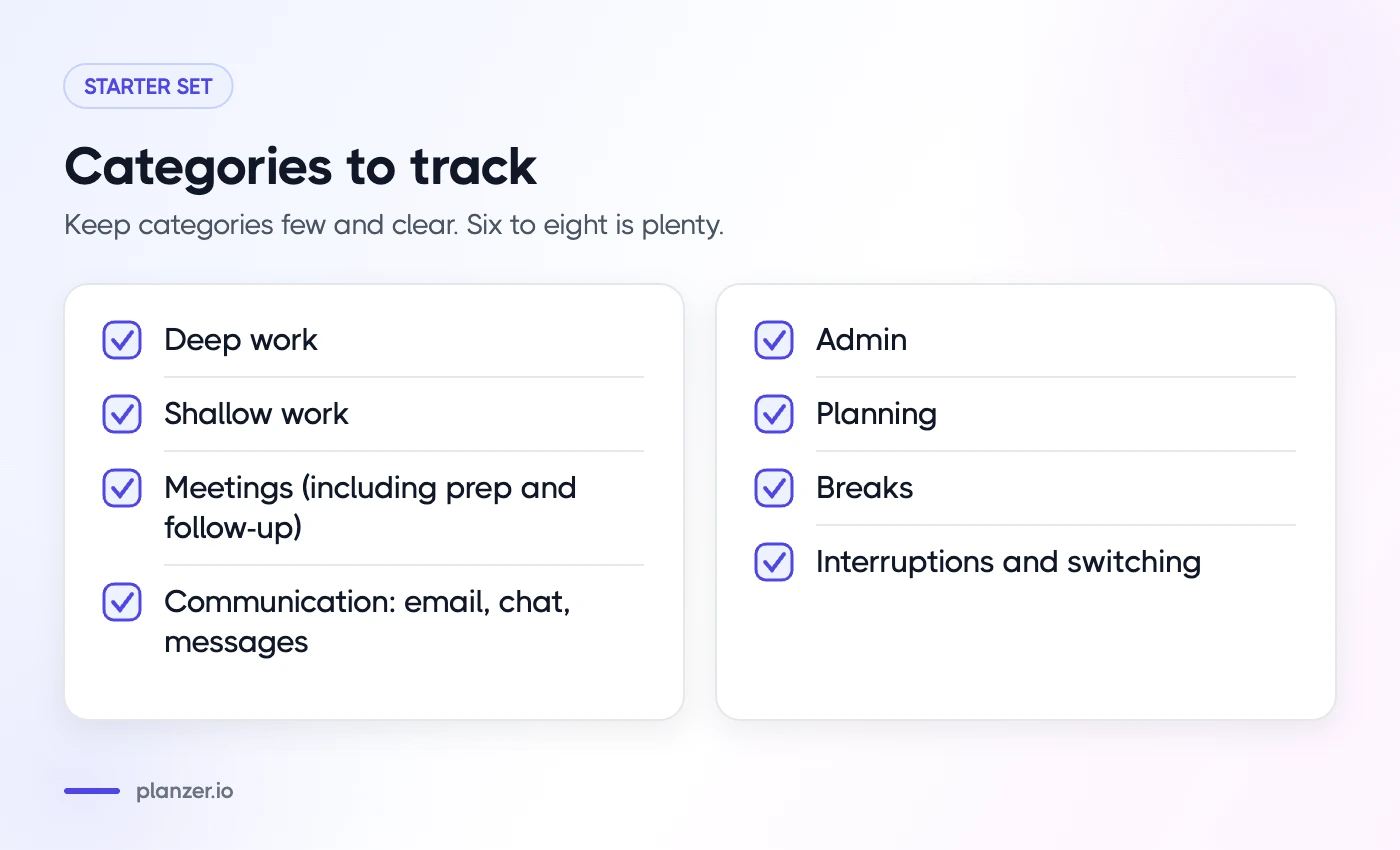
- Deep work: focused, high-value tasks like writing, coding, design, analysis.
- Shallow work: routine tasks that don’t need much thought.
- Meetings: calls and meetings, including prep and follow-up.
- Communication: email, chat and messages.
- Admin: invoices, expenses, filing, scheduling.
- Planning: deciding what to do, reviewing your list.
- Breaks: lunch, rests, walks.
- Interruptions and switching: time lost to context switches and unexpected requests.
Freelancers and consultants should add a split between billable and non-billable work. Our page for freelancers covers how to plan around client work.
Read the results: patterns to look for
At the end of the week, add up the time per category. Then compare it with your guess and your ideal. Look for these common patterns:
- Deep work is smaller than you thought. If your important project only got a few hours, that explains why it’s slow.
- Communication is scattered. Twenty short email sessions spread across the day are more disruptive than two longer ones.
- Meetings have a hidden tail. Look at the 15 minutes after each meeting. Is that time lost?
- Your best energy goes to low-value work. If your morning energy is 5 and you spend it on email, there’s an easy win.
- Unplanned work dominates. If most entries are “No” in the planned column, your plan isn’t matching reality.
- Tasks consistently overrun. Compare estimates to actual time. A steady gap means your planning needs a buffer.
- The same interruptions repeat. One colleague, one channel, one recurring issue. That’s a process problem you can fix.
Write down three findings. Not ten. Three you can act on.
Turn findings into a better week
The audit only pays off if something changes. Turn each finding into a specific adjustment:
| Finding | Change |
|---|---|
| Deep work only happens in the afternoon | Block 9:00–11:00 for deep work three days a week |
| Email checked 20+ times a day | Batch email at 11:00 and 16:00 |
| Meetings scattered across the day | Cluster meetings on two afternoons |
| Tasks overrun estimates | Add a buffer to estimates and plan fewer tasks |
| Admin creeps into every day | Create a Friday admin routine |
| Unbilled client calls | Track calls under the client and review rates |
Then build the changes into your standard week. Our free weekly planner template is a good place to sketch your new ideal week, with deep work, meetings and admin each in their own place.
A few ways to make the changes stick:
- Turn repeated tasks into routines. If every Monday starts with the same five tasks, save them as a set you can add in one go.
- Use templates for recurring work. A client onboarding or a monthly report becomes faster when the subtasks are already written.
- Re-audit later. A second, shorter audit after a month or two shows whether the changes worked.
If you want to try a new method based on what you find, our guide to time management techniques compares fifteen of them.
How to do this in Planzer.io
You can run a time audit with paper or a spreadsheet, but Planzer.io takes much of the manual work out:
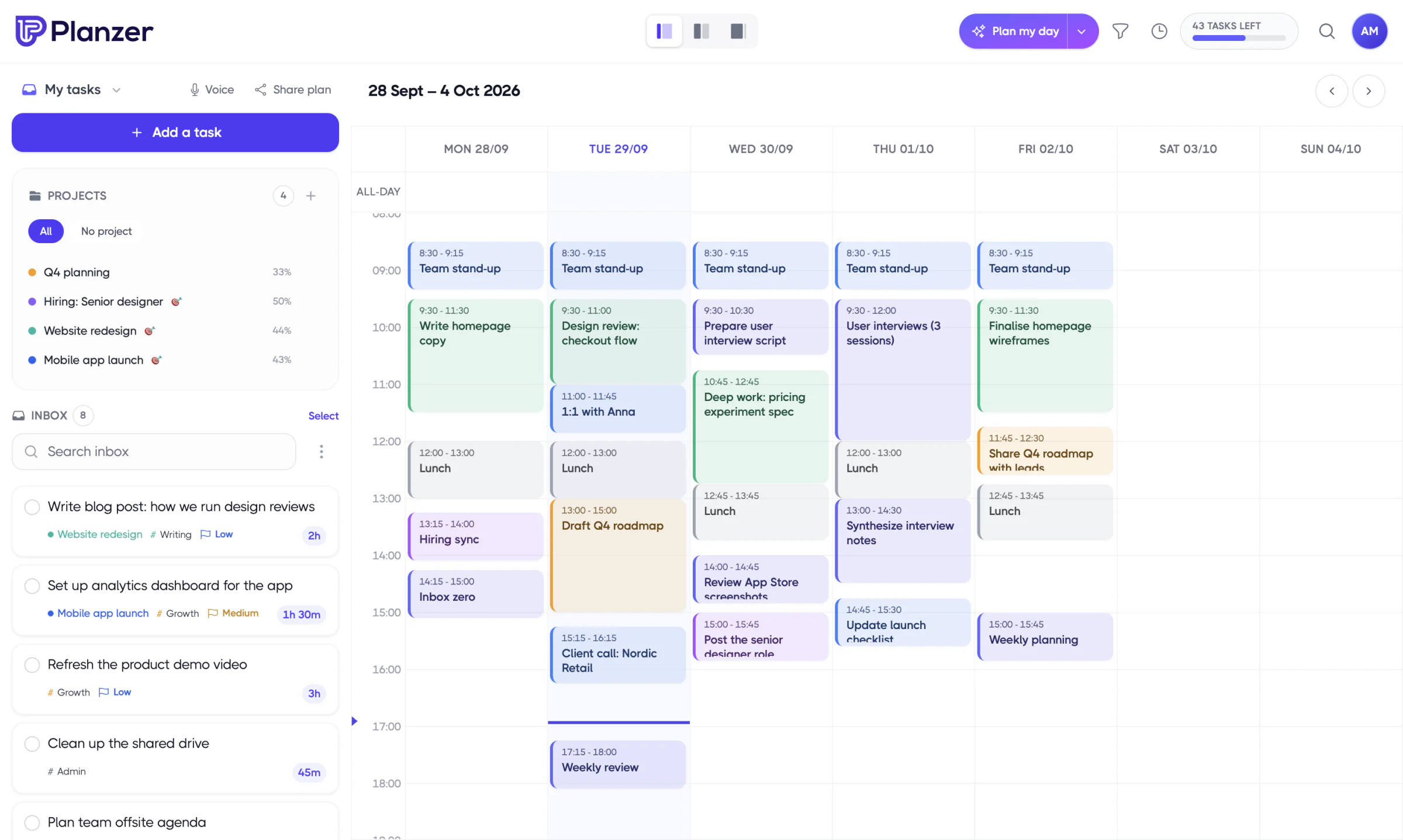
- Time tracking records time against tasks, for example when you run a focus session, so you can compare estimates with actual time. See how time tracking works.
- Analytics include “Estimated vs actual” and “Why tasks slip,” which turn a week of tracking into patterns you can read. Learn more about productivity analytics.
- Wind down the day asks for your wins, what got in the way and your energy from 1 to 5, and lets you tag why tasks slipped. That’s the energy and interruption data from the audit, captured daily.
- Routines and templates make it easy to turn audit findings into repeatable structure.
- Review my week gives you a regular moment to look back, and Pro adds an AI weekly review.
FAQ
How long should a time audit last?
One week is usually enough to see clear patterns without becoming a chore. If your work varies a lot from week to week, run it for two weeks, or repeat it at different times of the month.
Is there a free time audit template?
Yes. Use the daily table above in a notebook or spreadsheet: start, end, activity, category, planned and energy. Add up the time per category at the end of the week and compare it with your guesses.
What’s the difference between a time audit and time tracking?
Time tracking is an ongoing habit, often used for billing, reporting or estimating. A time audit is a short, focused review with a clear goal: to find where your time goes and change how you work. Many people use time tracking tools to run their audit.
How often should I do a time audit?
Once or twice a year is plenty for most people, plus whenever your role or workload changes. A quick weekly review in between keeps you on track.