
Planzer.io on every device, always in sync
Use Planzer.io in your browser, on iPhone, iPad, Android and Apple Watch, and as a desktop app for Mac, Windows and Linux. Changes sync live between your devices, and widgets keep today’s plan one glance away.
Free plan available · No credit card needed
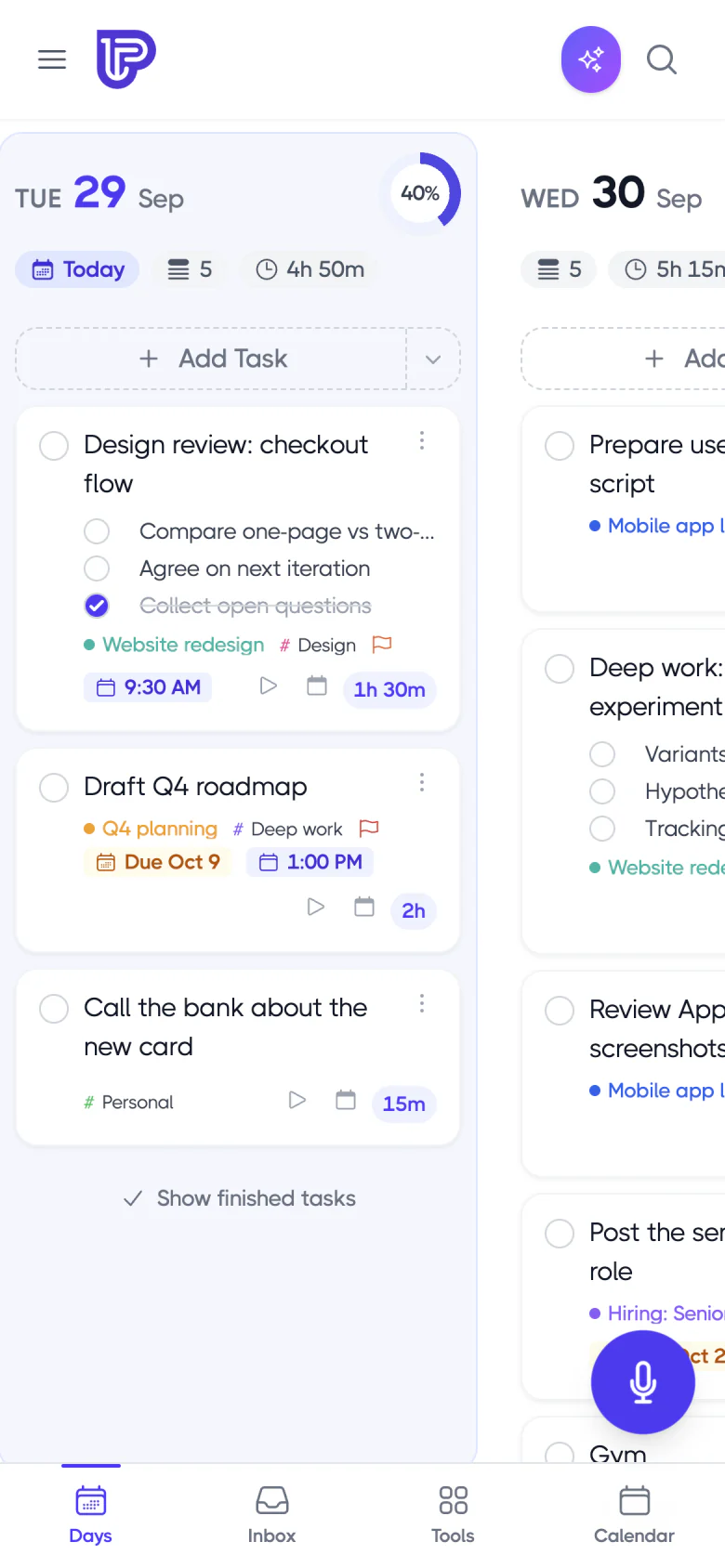
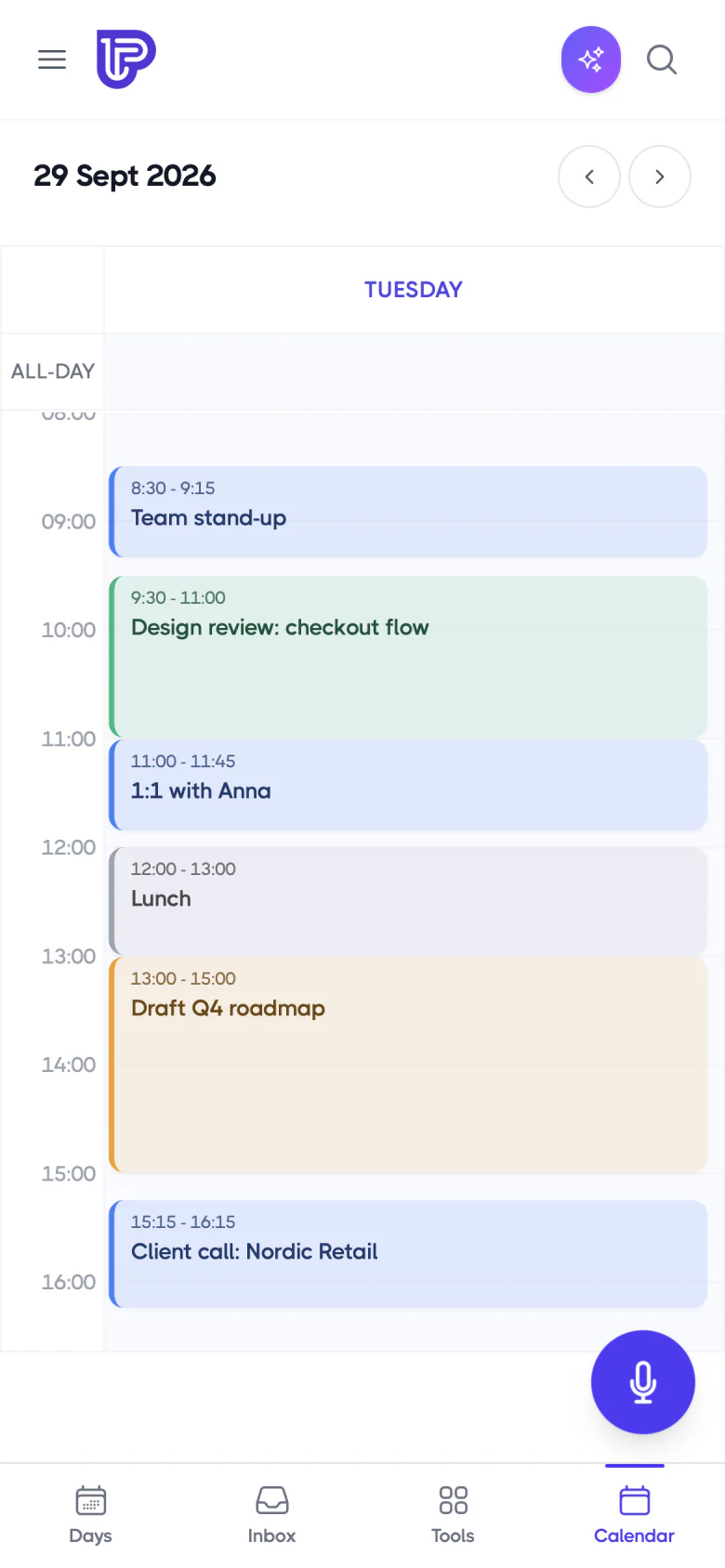
Widgets
Your day on your home and lock screen
The Today widget shows your running timer and today’s remaining tasks with a progress bar. Stop the timer, start a task or complete it right from the widget — without opening the app.
iPhone home screen and lock screen widgets
Android Today widget in three sizes
macOS widgets with the desktop app
On your iPhone
iOSToday widget
Small, medium and large
Live Activity
Running timer with a Stop button
Dynamic Island
Your timer at the top of the screen
Next Task
Lock screen widget
New on mobile
Capture from anywhere on your phone
Planzer opens on your plan instantly and feels at home on your phone: screens slide like any other app, menus use your phone’s own action sheets, text uses your phone’s own font, and typing is silky-smooth, moving with the keyboard. Share links and text from any app into your inbox, press and hold the icon for quick actions, or just ask Siri.
Add tasks from anywhere: Home Screen and Lock Screen widgets, Control Center, the Action button, or by sharing from any app
Swipe left on an inbox task to plan it for today or delete it
Siri and Shortcuts on iPhone (iOS 17 or later)
Search your tasks from iPhone Search (Spotlight)
Focus filters: show only the project that matters while a Focus is on
Reminders that get through Focus modes (Time Sensitive)
Dark and tinted app icons on iPhone; themed icons and wallpaper colors on Android
Built for iPad with a keyboard: hold ⌘ to see every shortcut, and drag text and links from other apps straight into your inbox
Share to Planzer
iPhone & AndroidSaved from Safari
The link gets the page’s title
Add task
Press and hold the app icon
Start timer
On your next task
4 tasks left today
Count on the app icon
Apple Watch
Your plan, on your wrist
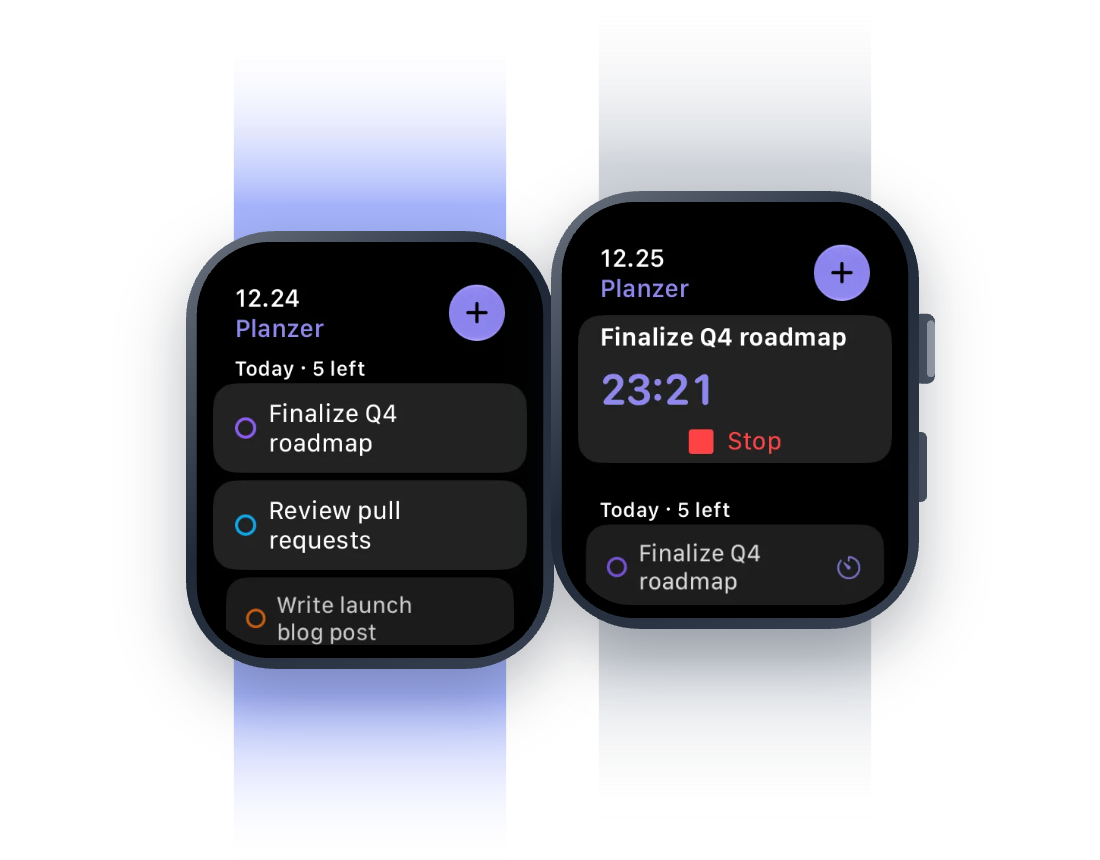
See today’s tasks and your running timer on Apple Watch. Start, stop and finish tasks with a tap, add new ones by voice, and keep your progress on your watch face with complications.
Today’s tasks and your running timer at a glance
Start, stop and finish tasks with a tap, or add new ones by voice
Complications keep your progress on your watch face
Themes
Make Planzer yours
Pick one of seven themes (Planzer, Ocean, Lagoon, Forest, Sunset, Rose or Graphite) or choose any color you like, and Planzer builds a full theme from it. Buttons, highlights, today’s column and the calendar all follow your color, in both light and dark mode. Find it under Account settings → Appearance.
Seven themes, or any color you like
Light, dark or follow your system setting
Same theme on web, desktop and phone, including widgets and the mini window
On Android, the Wallpaper theme matches Planzer to your wallpaper’s colors
Appearance
Account settingsPlanzer
The default theme
Ocean
Preset theme
Sunset
Preset theme
Your color
Any color you like
Desktop app
A desktop app that stays out of your way
The desktop app for Mac, Windows and Linux keeps your timer in the menu bar or system tray, lets you start your next task or add a task from any app with a global shortcut, and updates itself automatically.
Menu bar timer and a tray menu with today’s next tasks
⌘⌥T to start or stop, ⌘⌥N to add a task — from anywhere
Offline voice-to-task and native reminders
On the web and desktop, drag a link or text from another app or window onto your inbox to save it as a task
Menu bar
macOSStop timer
Write product update
Start next task
Reply to Anna
New task…
From any app
Open Planzer
Show the full app
Reminders & sync
Never miss what matters
Set reminders on any task — by push, email or both — and they move with the task when you reschedule. Tick off the task or snooze it straight from the notification, and tap a reminder to jump right to the task.
Reminders from 5 minutes to 1 day before, or at a custom time
Daily digest email at 7am and a weekly deadline digest
Done and Snooze 10 min on the notification: iPhone, Android, Mac and web
Reminders
Push & email15 minutes before
Push notification
1 day before
Move with task
When you reschedule
Daily digest
Today’s tasks and overdue
Sync
Always in sync, even offline
Finish a task on the web and it’s done on your phone and desktop within a second — no restart needed. No connection? Keep working. Your changes are saved on the device and sync automatically when you’re back online.
Changes show up on every device within a second
Goals, routines, templates, filters and settings sync too
Work offline — changes sync when you’re back online
Sync
Up to dateiPhone
Task finished · just now
Mac app
Task finished · just now
Web
Task finished · just now
Offline on the train
3 changes waiting
Everything included
One planner, everywhere you work
Web app
Works in any modern browser at app.planzer.io.
iPhone & Android
Native apps that open instantly, with Share to Planzer, quick actions, swipe actions, Siri and widgets.
Mac, Windows & Linux
A desktop app that updates itself automatically.
No lost edits
Edit a task on two devices and nothing is silently overwritten — you choose which version to keep.
Themes & dark mode
Seven themes or any color, in light, dark or system mode.
Works offline
Keep working offline — your changes save when you reconnect.
Take your plan with you
Sign up for free and start planning your day. No credit card needed.