
Add and plan tasks as fast as you think
Type a sentence or just say it out loud. Planzer.io turns it into tasks with dates, priorities and estimates — and AI helps you break work down, pick your top 3 and recap your week.
Free plan available · No credit card needed
Talk to add tasks
Say it out loud, get a to-do list
Press V and talk. Say “tomorrow make my bed, clean the bathroom and call mom” and Planzer.io splits it into separate tasks with dates and priorities, ready for you to check before saving.
Choose from 15 languages or your device default
Works on web, iPhone, Android and desktop
In Firefox and the desktop app, speech-to-text runs on your device — audio never leaves it
Talk to add tasks
V“Tomorrow make my bed, clean the bathroom and call mom”
You say
Make my bed
Tomorrow
Clean the bathroom
Tomorrow
Call mom
Tomorrow
AI break-down
Turn big, vague tasks into clear next steps
Stuck on a task that feels too big? Let AI suggest the subtasks. And while you plan your day, AI can suggest your top 3 tasks so you start with what matters most.
Generate subtasks in one click
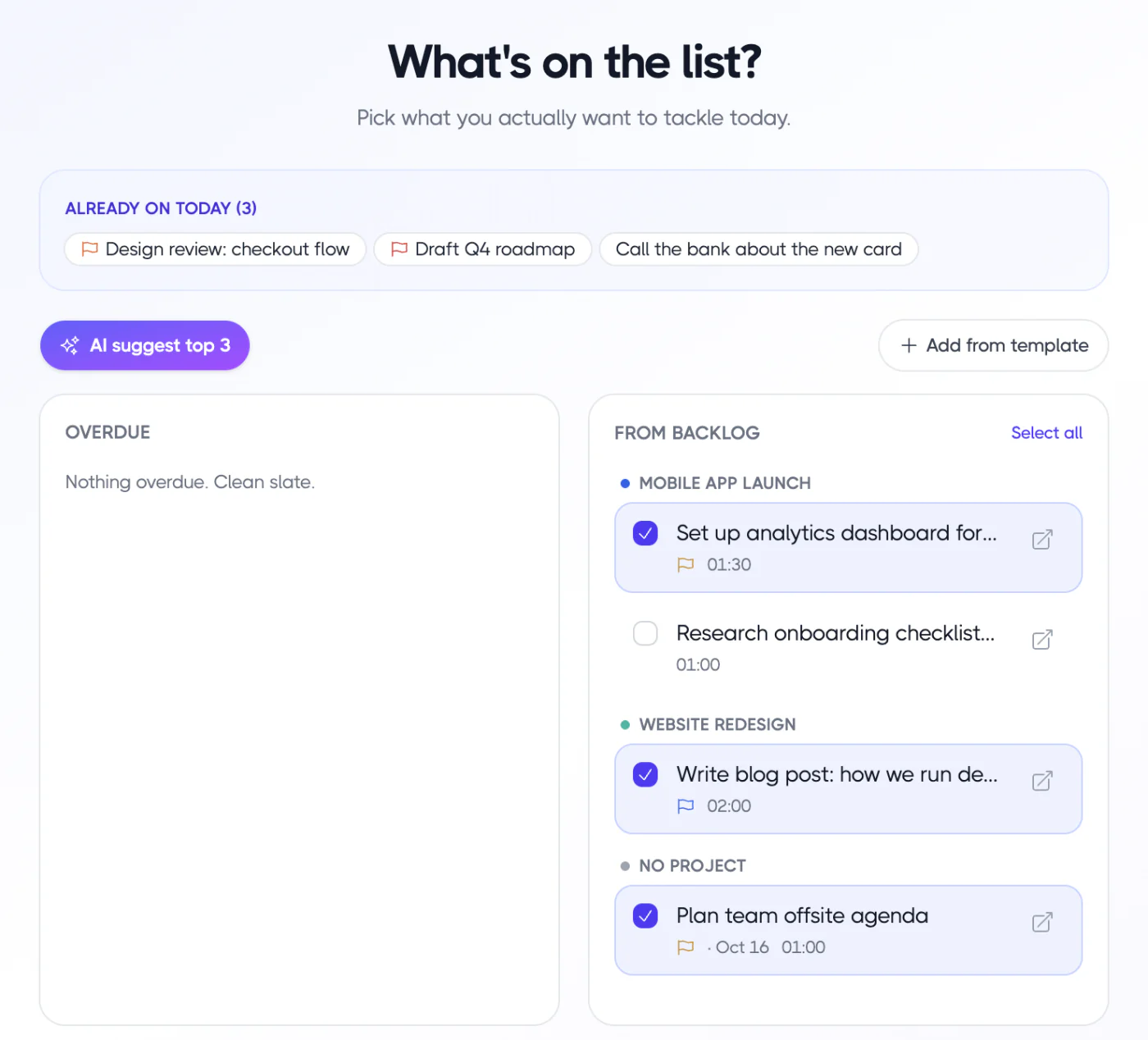
AI suggests your top 3 in Plan my day
Edit, rename or remove any suggestion
Launch new landing page
AI break-downWrite the headline and copy
Subtask
Design the hero and sections
Subtask
Set up analytics
Subtask
Publish and share
Subtask
AI weekly summary
A short, honest recap of your week
On the Analytics page, AI writes a short summary of what shipped and what slipped this week, right next to your charts — the perfect starting point for your weekly review.
What shipped and what slipped
Right next to your analytics
Great input for your weekly review
Weekly summary
AIShipped
Website redesign and 3 client reports
Slipped
Tax prep — bigger than expected
Tracked
Mostly client work
Completion rate
Up from last week
Everything included
Less typing, more doing
Command palette
Press ⌘K to add tasks, plan your day, start a focus session or jump anywhere.
Smart quick add
Use #tag, @project, ~30m, !high and words like “tomorrow” as you type.
Voice in 15 languages
English, Danish, German, Spanish, French, Japanese and more.
Offline on desktop
The desktop app transcribes your voice locally with a built-in speech model.
AI break-down
Generate subtasks for any task in one click.
AI top 3
Let AI pick the three tasks to start your day with.
AI parsing, AI break-down, AI top 3, the AI weekly summary and connecting AI assistants like Claude and ChatGPT are part of Pro on web and desktop. Talk to add tasks works on every plan.
Stop typing out your to-do list
Sign up for free and start planning your day. No credit card needed.