
Plan your day and sync it to your calendar
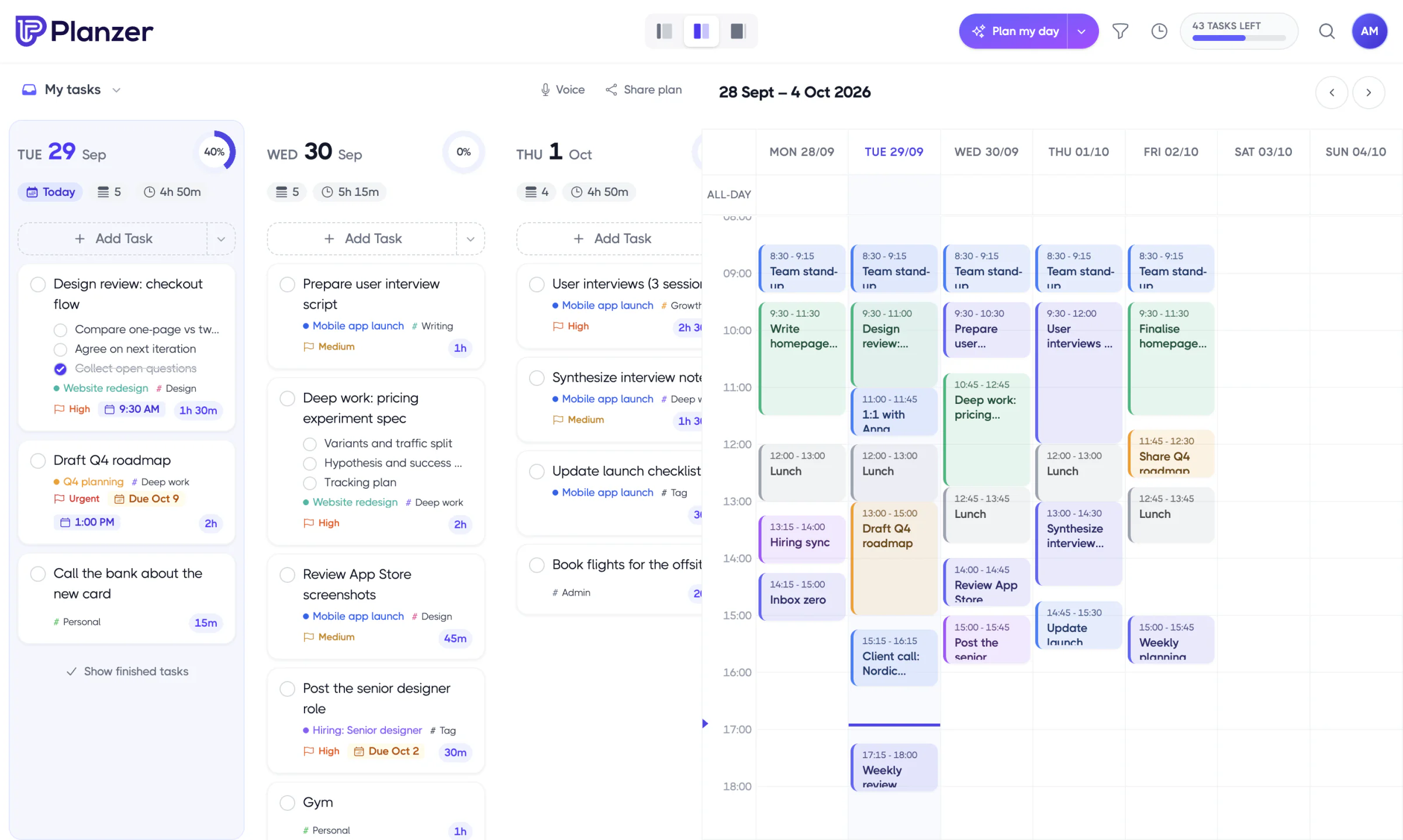
Planzer.io is a productivity planner that combines native tasks, calendar planning, tracking, and 3rd-party integrations — so every task from every tool gets a time slot.
Free plan available · No credit card needed · Sign in with Google, Outlook or Apple

Works with the tools you already use





See it in action
From inbox to done, in one calm flow
An email lands, you save it as a task, plan it into your calendar and check it off. Your tasks and calendar finally work together.
 Planzer
 OutlookInbox · Flagged
How it works
Tired of being behind on your to-do list?
Planzer.io gives you the modules to plan your day and week. Estimation combined with planning makes sure you never plan more tasks than you have time for.
Step 1
Plan your day
Start every day by picking tasks from Planzer.io and all your connected tools.
Step 2
Estimate tasks
Add a time estimate to each task so you learn how long work really takes.
Step 3
Pick your view
Switch between multiple views to get the overview of your tasks that fits you.
Step 4
Time-block it
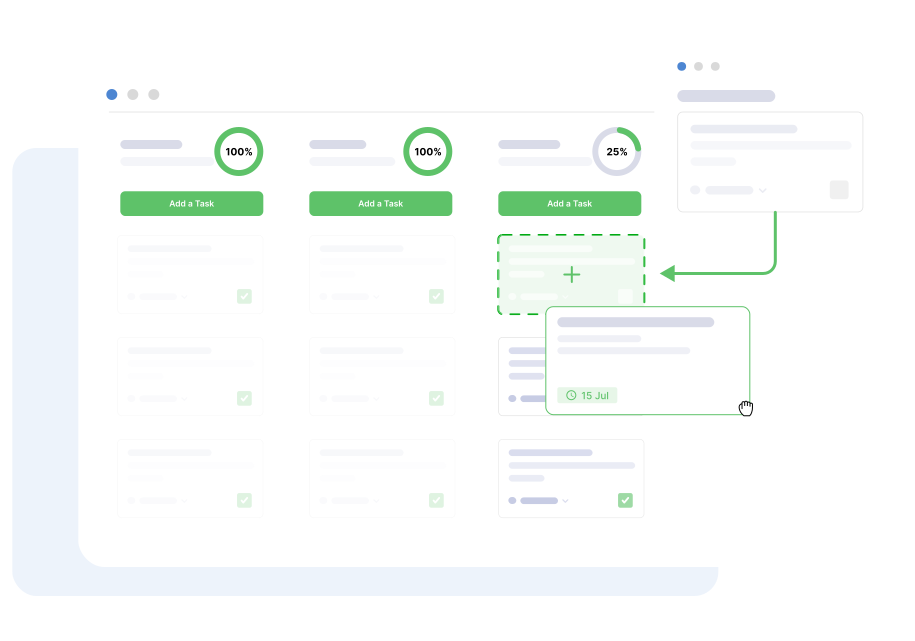
Drag tasks straight into your calendar and never plan more than you have time for.
Step 5
See the full picture
Events and tasks side by side in one calendar, so you know exactly where your time goes.
Step 6
Adjust and improve
Track, review and adjust. You get better at estimating and hit your deadlines.
Features
Everything you need to plan, focus and finish
Native tasks, calendar planning and tracking in one calm workspace, with a bit of AI where it actually helps.
Voice-to-task
Say it out loud and Planzer.io turns it into a task, parsed and ready to plan.
Time tracking & overtime
Start a timer on any task, see when you go over, and compare tracked time with your estimates.
Goals
Set goals, link tasks to them and let Planzer.io track your progress for you.
Templates & routines
Save your morning routine or any checklist, and add it to any day in a single click.
AI break-down & ranking
Split big tasks into clear steps and let AI rank what matters most today.
AI weekly review
A weekly summary of what you finished, what slipped and what to focus on next.
Analytics
See where your time goes across projects, tags and integrations.
Recurring tasks & files
Repeat tasks on any schedule and keep file attachments right where the work is.
Try it
Plan a day right here
Drag the tasks into the calendar, then check them off. No sign-up needed.
Loved by planners
People love Planzer.io
Here’s what people say about planning their days with Planzer.io.
Outlook integration
Turn your emails into tasks
Our native Microsoft Outlook integration pulls your inbox into Planzer.io, so you can drag emails into your calendar and plan them like any other task.
See every email in a clean list view
Drag an email into your day to schedule it
Works alongside Google, Outlook and iCloud calendars
Integrations
Planzer.io works with the tools you already use



Notion
Pull in pages, to-dos or both, filtered by database, and give them a time slot.



Todoist, Asana & more
All integrations are included in the free plan. See the full list.
For individuals
Designed for people who plan their own day
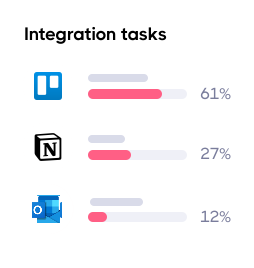
Integration tasks
Tasks from Trello, Notion and your other tools land in one place, so you plan everything together instead of switching apps.
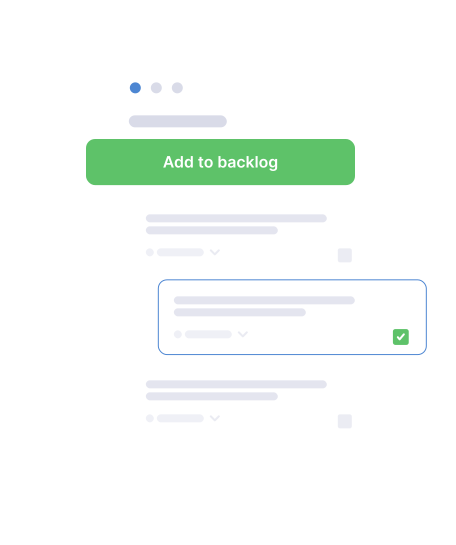
Backlog
Park the tasks you want to do but haven’t scheduled yet. Pull them into your day when the time is right.

Time blocking
Drag tasks straight into your calendar and see exactly how much of your day is already spoken for.
Apps
Your plan, on every device
Plan on the desktop, capture on the go. Changes sync to every device within a second — and you can keep working offline.
Compare
Everything the others do — for less
A full daily planner with focus timer, time tracking and 19 integrations, on every device — with a free plan to start.
Planzer.io
Sunsama
Akiflow
Motion
Paid plan from
$8/mo
$17/mo
$19/mo
$29/mo
Free plan
Yes
No
No
No
Guided daily planning
Yes
Yes
Yes
No
Focus timer
Yes
Yes
Desktop only
No
Time tracking
Yes
Yes
Partial
Business plan
Task integrations
16
15+
15+
Few
Competitor information from their public websites, checked on 29 September 2026. Prices in USD, billed yearly where available.
Pricing
Simple pricing. Start free.
Try Planzer.io for free, then upgrade to Pro when you’re ready.
Free
$0
Free forever. Everything you need to start planning your day. No credit card needed.
Get started freePro
Save 20% yearly$8
per month, billed yearly — or $10 billed monthly. Unlimited tasks, all AI features and file attachments.
✓ Everything in Free, plus:
✓ Unlimited tasks
✓ File attachments
✓ Smart task parsing
✓ AI break-down & top 3
✓ AI weekly summary
Articles
Latest articles and resources



Can I use Planzer.io for free?
Yes. Planzer.io offers a free plan, no credit card needed. When you need more, upgrade to Pro for $10/month, or $8/month billed yearly.
What platforms does Planzer.io integrate with?
We integrate with 19 tools: Asana, ClickUp, Monday.com, Notion, Todoist, Trello, Google Tasks, Microsoft To Do and Apple Reminders for tasks; Google Calendar, Outlook Calendar, iCloud Calendar, Outlook Mail, Slack and Microsoft Teams for your calendar, inbox and chat; and GitHub, GitLab, Linear and Jira for development work. Zapier and Make connect thousands more apps, and with Pro you can connect AI assistants like Claude and ChatGPT through MCP.
Can I sign up with Google, Outlook or Apple?
Yes. You can sign in with Google, Outlook or Apple. With Outlook you can even turn your emails into tasks, which saves you a ton of time.
Does Planzer.io have time blocking?
Yes. Connect your Google Calendar, Outlook Calendar or iCloud Calendar and plan all your tasks directly in your calendar.
Can I get more tasks?
We have a section in your billing settings where, if you share your honest opinion in a review, you unlock more tasks depending on the number of reviews you do.
How do I get help?
We offer live chat support as fast as possible. You can also email us at [email protected] and we’ll get back to you within 48 hours. For quick answers, visit our help center.
Ready to start planning your day?
Sign up for free and give every task a time slot. No credit card needed.