
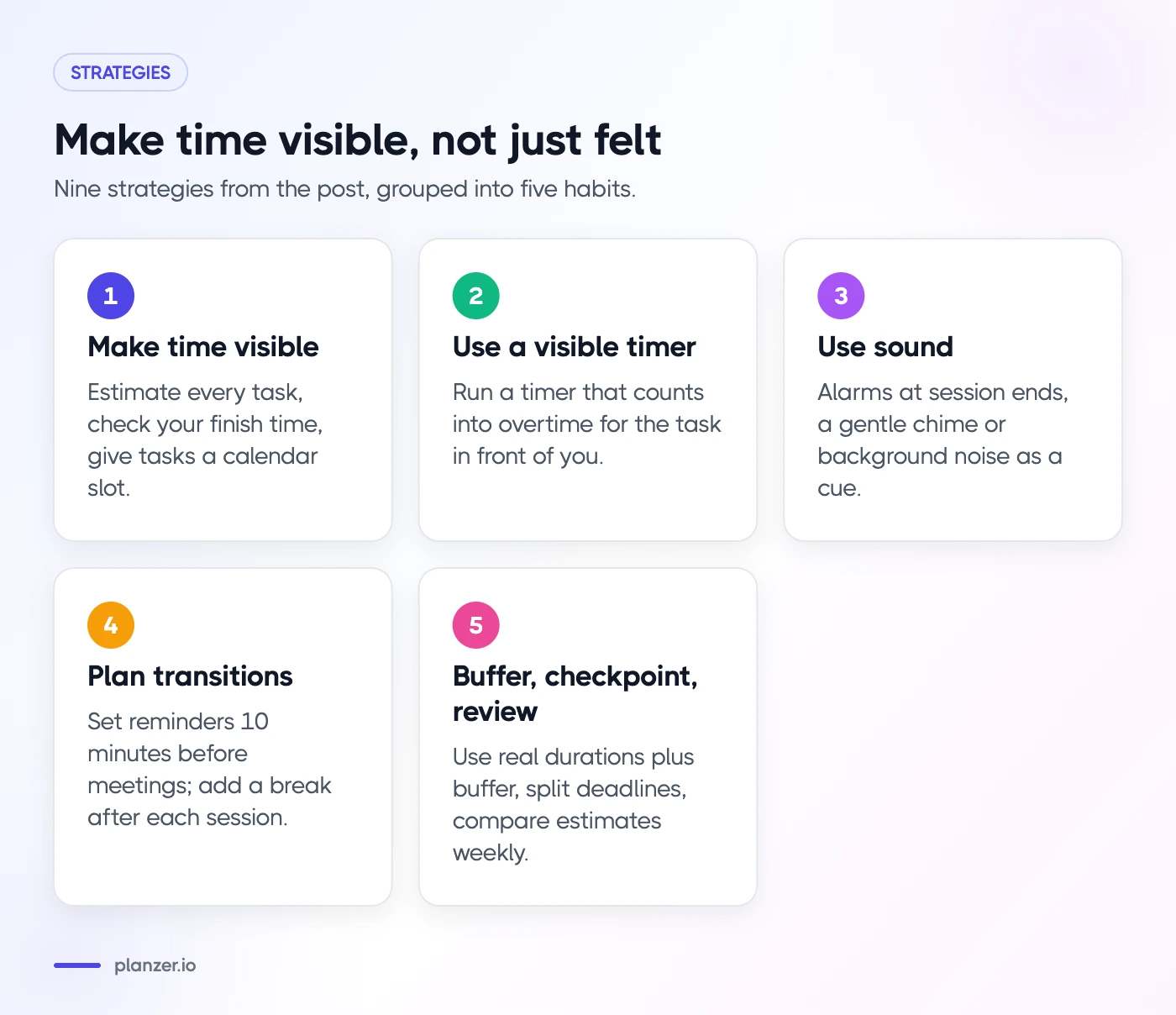
Time blindness is difficulty sensing how much time has passed and judging how long things will take. It’s especially common with ADHD. The most effective strategies make time visible instead of relying on your internal sense of it: estimates on every task, a plan that shows when you’ll finish, timers and sounds at transitions, buffers based on reality, and a weekly look at where your time actually went.
Below, you’ll find what time blindness is, the signs to look for, and nine practical strategies. This is a practical guide, not medical advice. If you think you might have ADHD, a qualified professional can help.
What time blindness is
“Time blindness” is an informal term, not a diagnosis. It describes a pattern where time doesn’t feel concrete. Ten minutes and an hour can feel much the same while you’re in them, and the future (a deadline next Friday, say) feels vague until it’s suddenly very close. You may also see it called time agnosia.
It shows up in two ways:
- Sensing time passing. You look up and two hours have gone, or you’re sure you’ve been working for ages when it’s been ten minutes.
- Predicting time. You estimate that getting ready takes 15 minutes when it reliably takes 40.
Everyone does this sometimes. Time blindness is when it happens often enough to cause regular problems: lateness, missed deadlines, overpacked days and the stress that comes with them.
Why ADHD affects time perception
ADHD involves differences in attention and executive functions, the mental skills that help with planning, organizing and staying on task. The National Institute of Mental Health describes difficulty paying attention, staying on task and staying organized as common signs. Tracking time leans on all of those.
Psychologist Ari Tuckman, in an ADDitude webinar on time blindness, explains why time can feel so slippery for people with ADHD and why deadlines and punctuality are frequent struggles. A helpful way to think about it: if your brain doesn’t track time reliably on its own, you build the tracking into your environment instead.
That’s what the strategies below are for. None of them need willpower. They work by putting time in front of your eyes and ears.
Signs you’re dealing with time blindness
You might recognize some of these:
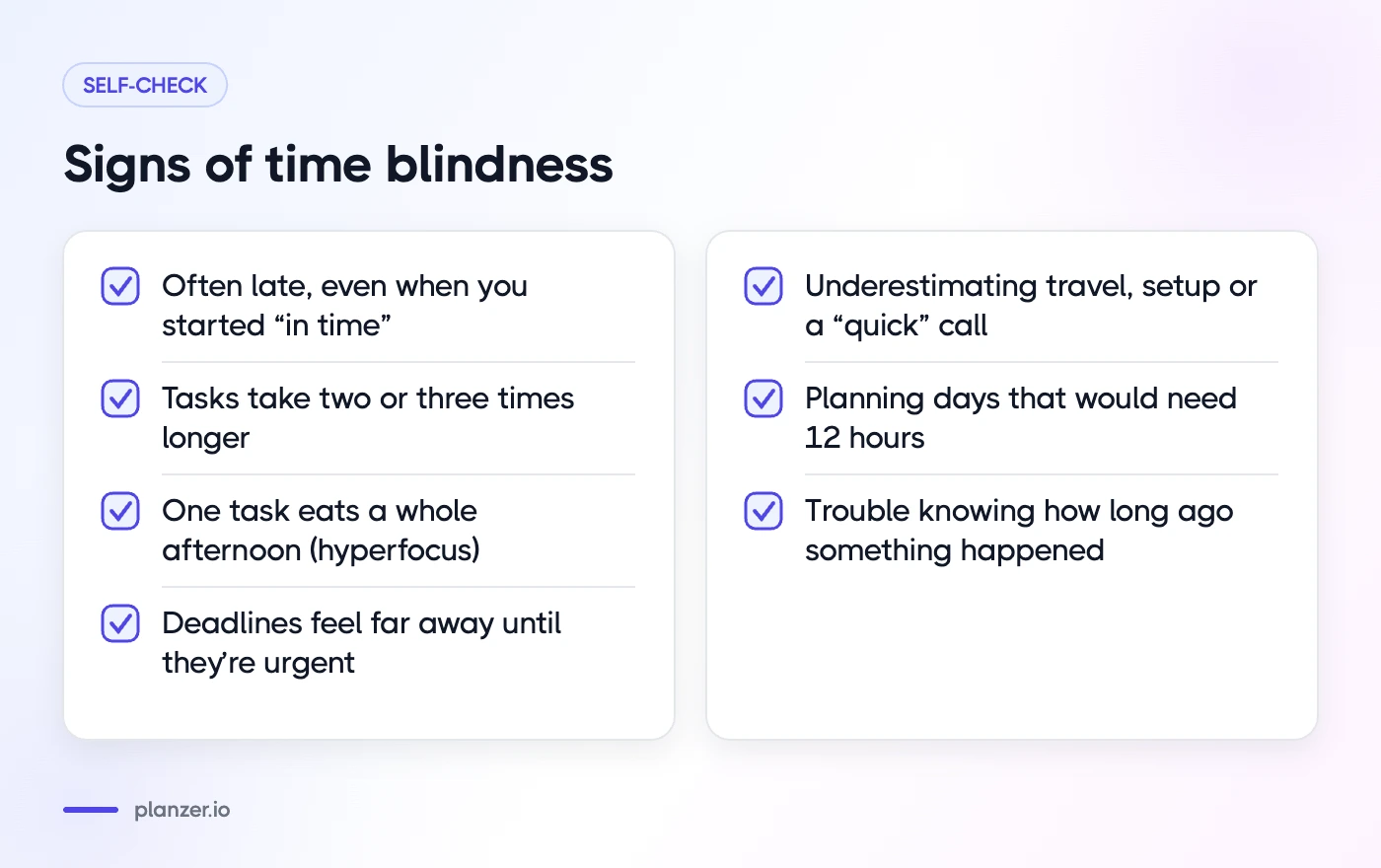
- You’re often late, even when you started getting ready “in time”
- Tasks regularly take two or three times longer than you expected
- You lose whole afternoons to one task (often hyperfocus) and miss other things
- Deadlines feel far away until they’re urgent, then everything is a rush
- You underestimate travel time, setup time or how long a “quick” call will run
- You plan days that would need 12 hours to finish
- You have trouble knowing how long ago something happened
If several sound familiar, the strategies below are worth trying, whether or not you have an ADHD diagnosis.
Make time visible: estimates and finish times
1. Put an estimate on every task
Before a task goes into today’s plan, give it a rough duration: 15 minutes, 30, 60, two hours. A guess is fine. Without an estimate, a task list has no shape. With estimates, you can see whether the day fits.
2. Look at your finish time, not just your list
Add up your estimates and meetings to see when you’d finish if you worked straight down the list. “Done around 19:30” is a far clearer warning than a list of eight tasks that looks manageable. If the finish time is past your stopping time, cut or move tasks before the day starts.
3. Give tasks a time on the calendar
A task with a start time (“10:00–11:00 write report”) is much harder to lose than one that floats on a list. Time blocking also shows you the gaps between meetings, so you stop planning deep work into 20-minute holes. Keep blocks a bit generous at first.
Use timers and sounds for transitions
4. Run a visible timer for the task in front of you
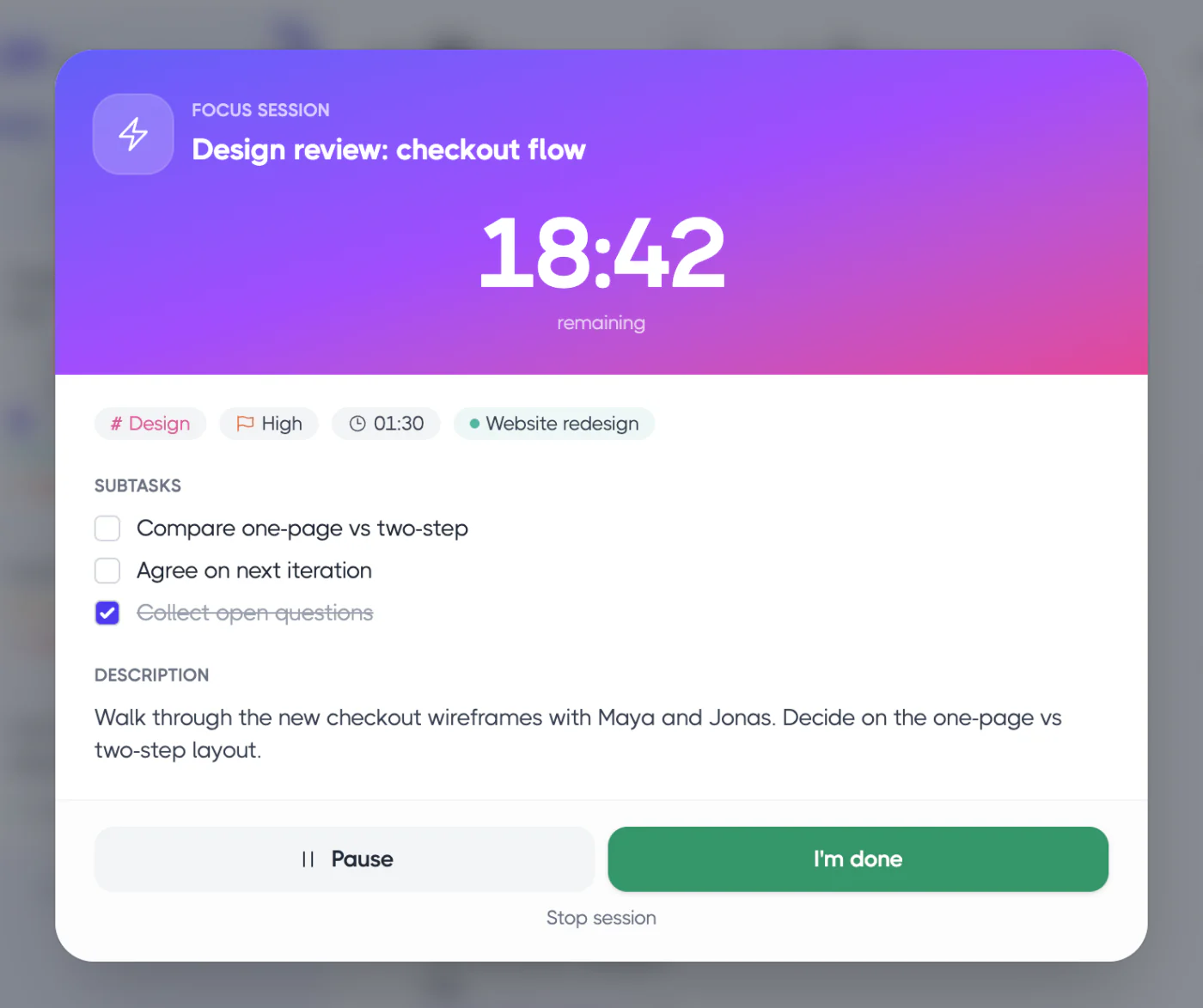
A timer is an external clock you can’t ignore. Start one when you begin a task and keep it visible. Shorter sessions (15 or 25 minutes) work well if starting is hard; 45 or 60 minutes suit deeper work once you’re rolling. A good focus timer keeps counting into overtime, so you can see how far past your plan you’ve gone rather than losing track.
We’ve written more about this in why you need a timer for ADHD time management.
5. Use sound to mark time passing
Sound reaches you even when your eyes are deep in a task. Try:
- An alarm at the end of each session, so you consciously decide whether to continue
- A gentle chime every 10–15 minutes, as a low-key reminder that time is moving
- Background noise (brown noise, rain or waves) as a cue that you’re in “focus mode”
6. Plan transitions, not just tasks
Many lost hours happen between things: finishing one task, getting distracted, then starting the next one late. Set a reminder 10 minutes before meetings and appointments, not at the start time. Add a short break after each focus session, and decide what’s next before the break begins.
Plan with buffers, not best cases
7. Use your real durations, plus a buffer
If you know getting ready takes 40 minutes, plan 40 minutes, not the 15 it “should” take. For anything new or uncertain, add extra time on top. Most people underestimate tasks; with time blindness, the gap can be larger. Our post on the planning fallacy explains why and how to work out a personal multiplier.
Simple buffer rules that help:
- Leave at least an hour of unplanned time in a workday
- Add 10–15 minutes between blocks
- Round estimates up, not down
- Set personal deadlines a few days before real ones
8. Break deadlines into checkpoints
A deadline three weeks away is easy to ignore. Split it into steps with their own dates: “outline by Monday, draft by Wednesday, final by Friday”. Each checkpoint becomes a normal task in a daily plan, so the deadline gets closer in small, visible steps. For larger work, our guide to ADHD project management shows how to pull only today’s slice into your plan.
Review your actual time weekly
9. Compare estimates with reality once a week
Once a week, look at what you planned, what you did and how long it took. Which tasks ran over? By how much? Is there a pattern, such as admin always taking twice as long, or afternoons disappearing?
You don’t need a perfect record. A time tracking tool that stores estimates and actuals side by side makes this a five-minute job. Over a few weeks, your estimates get better because they’re based on evidence, not hope.
Be kind to yourself here. The goal is better information for next week, not a list of failures.
Putting it together: a morning with time made visible
Here’s how the strategies combine on an ordinary workday:
- 08:50: You list three tasks with estimates (report 90 minutes, emails 30, slides 60) and see you’d finish around 15:30 with your meetings. That fits, with buffer.
- 09:00: You start a 45-minute timer on the report, with brown noise on and a chime every 15 minutes.
- 09:45: The alarm goes off. You’re mid-sentence, so you let the timer run into overtime for ten more minutes, then take a five-minute break.
- 10:20: A reminder pops up 10 minutes before your 10:30 call, giving you time to wrap up instead of rushing in late.
- Friday: You notice the report took 2 hours, not 90 minutes. Next time, you plan 2 hours.
How to do this in Planzer.io
Planzer.io puts most of these strategies in one place. Every task can carry an estimate, and today’s list shows a start and end time for each task plus a “Done around …” finish time that turns amber after your shutdown time. Focus sessions come in 15, 25, 45 and 60 minutes, with overtime counting past 00:00 and a five-minute “Take five” break. You can add timer alarms, a gentle chime every 5–30 minutes, and brown noise, rain or waves. Estimated vs actual analytics close the loop each week. The ADHD planner page has more.
FAQ
Is time blindness a real ADHD symptom?
It isn’t a formal diagnostic term, but difficulty with time management and organization is widely recognized among people with ADHD. ADHD experts, like Ari Tuckman in the ADDitude webinar above, often discuss time perception as part of how ADHD affects executive functions.
Can you have time blindness without ADHD?
Yes. Many people struggle with sensing time or estimating durations, especially when stressed, tired or deeply absorbed in a task. The strategies here help regardless of the cause.
What apps help with time blindness?
Look for apps that make time visible: estimates on tasks, a clear finish time for the day, a visible timer and sound cues. A calendar for time blocking helps too. A planner that combines these saves you switching between several apps.
Do visual timers help with time blindness?
For many people, yes. A visible countdown turns abstract time into something you can see shrinking. Pair it with a sound at the end so you notice when time is up, even if you’re absorbed.