The most reliable approach to ADHD project management is to split it into two layers. Keep your team’s project tool (Jira, Asana, ClickUp or similar) as the big-picture source of truth, and pull only today’s slice of work into a separate, calm daily plan with estimates, timers and a visible finish time. You stop staring at 140 open tickets and start looking at three things you can actually begin.
This guide explains why that works, how to set it up, and which kinds of tools fit each layer.
Why project management is harder with ADHD
ADHD is commonly described in terms of inattention, hyperactivity and impulsivity. The National Institute of Mental Health lists difficulty staying on task and staying organized among the signs. Project work leans hard on exactly those skills.
Here’s where it tends to bite:
- Big, vague work. “Launch the new onboarding” has no obvious first step, so it’s easy to avoid.
- Everything visible at once. A board with dozens of cards makes it hard to know what matters now.
- Distant deadlines. A deadline three weeks away can feel like it doesn’t exist, until it suddenly does.
- Time estimates. Many people with ADHD find it hard to sense how long things take. We cover this in our post on time blindness.
- Switching costs. Bouncing between Slack, Jira and email makes it hard to get back into a task.
None of this is about effort or intelligence. It’s about how the work is presented. Change the presentation and a lot of the friction goes away.
What ADHD-friendly PM software needs
Before picking tools, it helps to know what you’re looking for. A setup that works with ADHD usually has these traits:
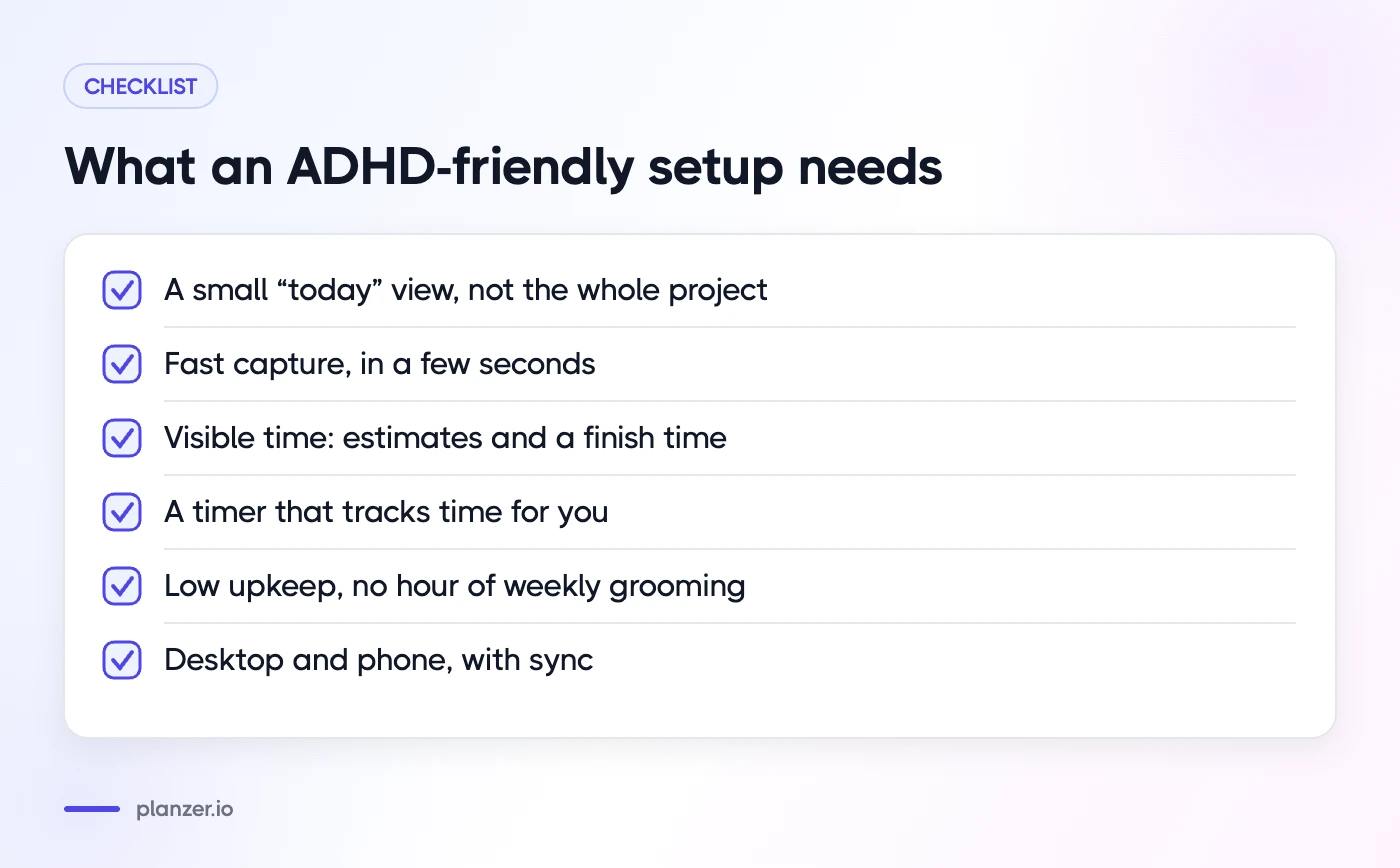
- A small “today” view. One screen that shows only what you’re doing today, not the whole project.
- Fast capture. Getting an idea or request out of your head in a few seconds, before it’s gone.
- Visible time. Estimates on tasks and a clear sense of when you’ll finish.
- Timers. Something external that tracks time, so you don’t have to.
- Low upkeep. If the system needs an hour of grooming every week, it’ll be abandoned.
- Works where you work. Desktop and phone, with sync, so the plan comes with you.
Very few team project tools are designed around all of those. They’re built for coordination: assignment, status, dependencies and reporting. That’s important work, but it’s not the same as helping one person get started at 09:00.
The two-layer system: team tool + personal daily plan
Instead of forcing one tool to do both jobs, split them.
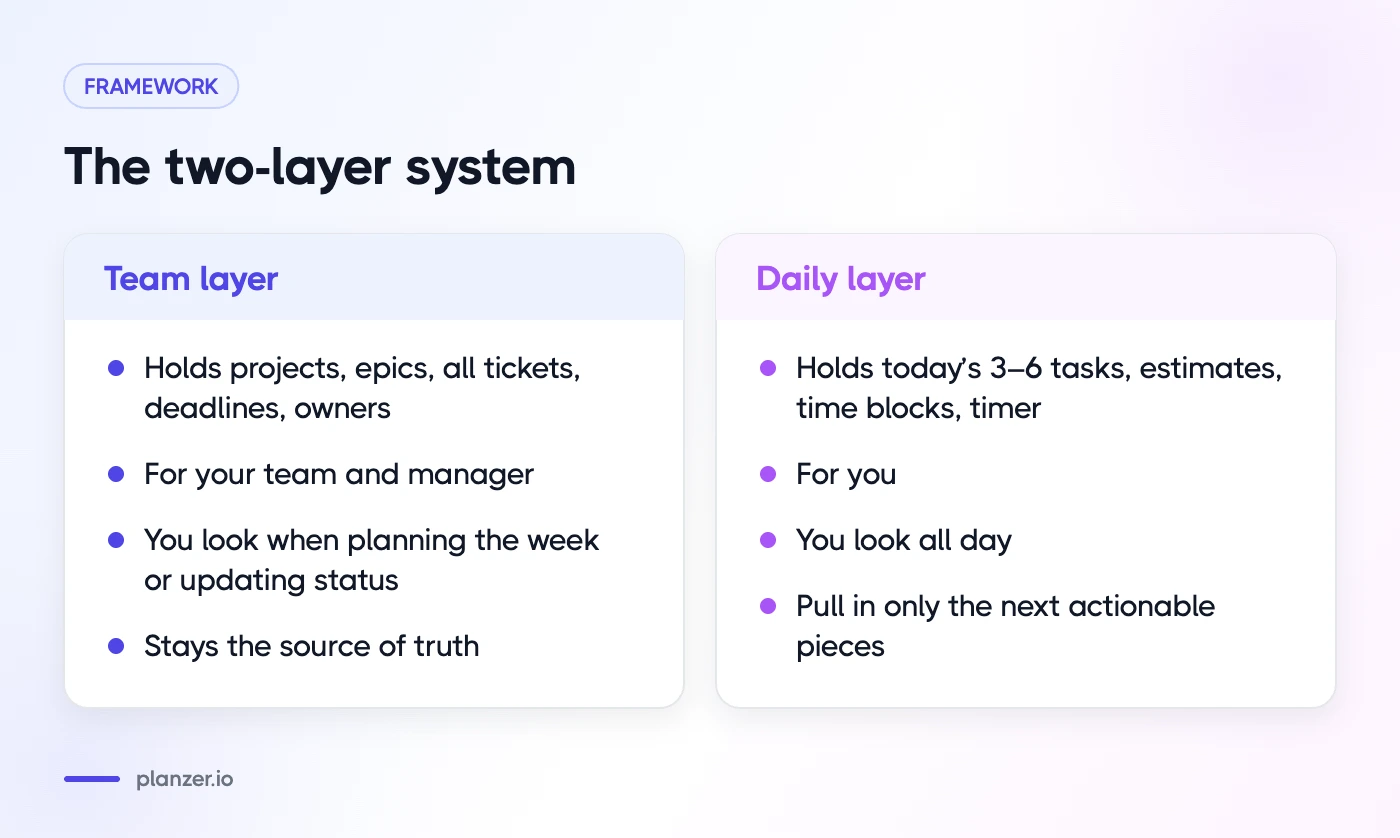
| Layer | What it holds | Who it’s for | How often you look |
|---|---|---|---|
| Team layer | Projects, epics, all tickets, deadlines, owners | Your team and manager | When planning the week or updating status |
| Daily layer | Today’s 3–6 tasks, estimates, time blocks, timer | You | All day |
The team tool stays the source of truth. You don’t copy the whole backlog into a personal app. Each morning (or the evening before), you pull just the next actionable pieces into your daily plan.
How it works day to day
- Weekly: look at the team tool. Which tickets or tasks are yours this week? Which deadlines are coming?
- Daily: pull one to three of those into today’s plan, plus any small admin. Add rough estimates.
- During the day: work from the daily plan only. Keep the team board closed unless you need it.
- When done: mark the task complete and update the ticket in the team tool. Some planners sync completion back, which saves a step.
This is close to the daily planning ritual we recommend for everyone, but it matters even more with ADHD, because it shrinks the decision space when your attention is most precious.
Breaking projects into startable tasks
The single most useful habit is rewriting tasks until the first step is obvious. A task is “startable” when you could begin it within a minute of sitting down.
| Not startable | Startable |
|---|---|
| Website redesign | List the five pages that need new copy |
| Fix the billing bug | Reproduce the billing bug on staging |
| Quarterly report | Paste last quarter’s numbers into the report template |
| Plan team offsite | Send three venue options to Sam |
A few rules of thumb:
- Start with a verb. “Draft”, “email”, “list”, “reproduce”, “outline”.
- Aim for 15–90 minutes. Smaller feels trivial; bigger feels heavy.
- Use subtasks for sequences. The parent task stays in the team tool; the next subtask goes into today.
- Write the next step before you stop. It makes restarting tomorrow far easier.
For more on structuring lists, see our ADHD to-do list tips.
Group projects and goals
It’s easier to stay motivated when tasks connect to something bigger. Tie tasks to a project and the project to a goal or milestone, so “write onboarding email” visibly moves “launch onboarding” forward. Planners with projects and goals let you see that progress without opening the full team board.
Using timers and estimates against time blindness
Estimates and timers do two jobs. They help you plan a day that fits, and they give you a sense of time passing while you work.
- Estimate everything you schedule, even roughly. “30 minutes” is better than nothing.
- Look at the finish time, not just the list. If today’s tasks add up to nine hours, the plan won’t work, however motivated you feel.
- Run a focus timer for the task in front of you. Shorter sessions (15 or 25 minutes) are a good starting point if long ones feel daunting.
- Use sound at transitions. A chime or alarm at the end of a session nudges you to check in, rather than drifting for two hours.
- Compare estimate vs actual. After a week, you’ll know whether “30 minutes” usually means 50.
Handling deadlines, dependencies and hyperfocus
Deadlines
Distant deadlines don’t feel real. Bring them closer by giving every deadline a few earlier checkpoints: “draft by Tuesday, review by Thursday, ship Monday”. Put the checkpoints in your daily plan as normal tasks.
Dependencies
Waiting on someone else is a common reason projects stall. Keep a short “waiting on” list. When you plan your day, add a quick follow-up task for anything that’s been waiting more than a couple of days.
Hyperfocus
Hyperfocus can get a lot done, but it can also eat a whole afternoon and a meeting you forgot about. Protect yourself with:
- Calendar reminders for meetings, set with enough lead time to switch
- A timer that keeps counting into overtime, so you can see how far past your plan you’ve gone
- A rule to check your plan whenever a timer ends, even if you choose to keep going
ADHD project management tools compared
There’s no single “best” tool. Pick one for each layer.
Team layer
- Jira: common in software teams. Powerful, but a lot of information on screen. Use saved filters to show only your issues.
- Asana: clear list, board and timeline views. “My tasks” is a useful starting point.
- ClickUp: very flexible, which helps if you like to customize and hurts if you tinker instead of working.
- Trello: simple Kanban boards. Easy to start; can get cluttered on big projects.
- Notion: good for docs and projects together. Needs discipline to keep tidy.
If you already use one of these at work, keep it. Switching team tools rarely fixes a focus problem.
Daily layer
Look for a personal planner that shows your team tool’s tasks alongside your calendar, lets you add estimates and time blocks, and has a focus timer. Planzer.io is built for this layer: it pulls items from 16 integrations into a sidebar, including Jira, Asana, ClickUp, Monday.com, Linear and Trello, and you drag what you need into today. Completion can sync back, for example closing a Jira issue. It’s a personal planner, so it doesn’t replace team collaboration features.
For a broader list that goes beyond project work, see the best tools built for adults with ADHD.
How to do this in Planzer.io
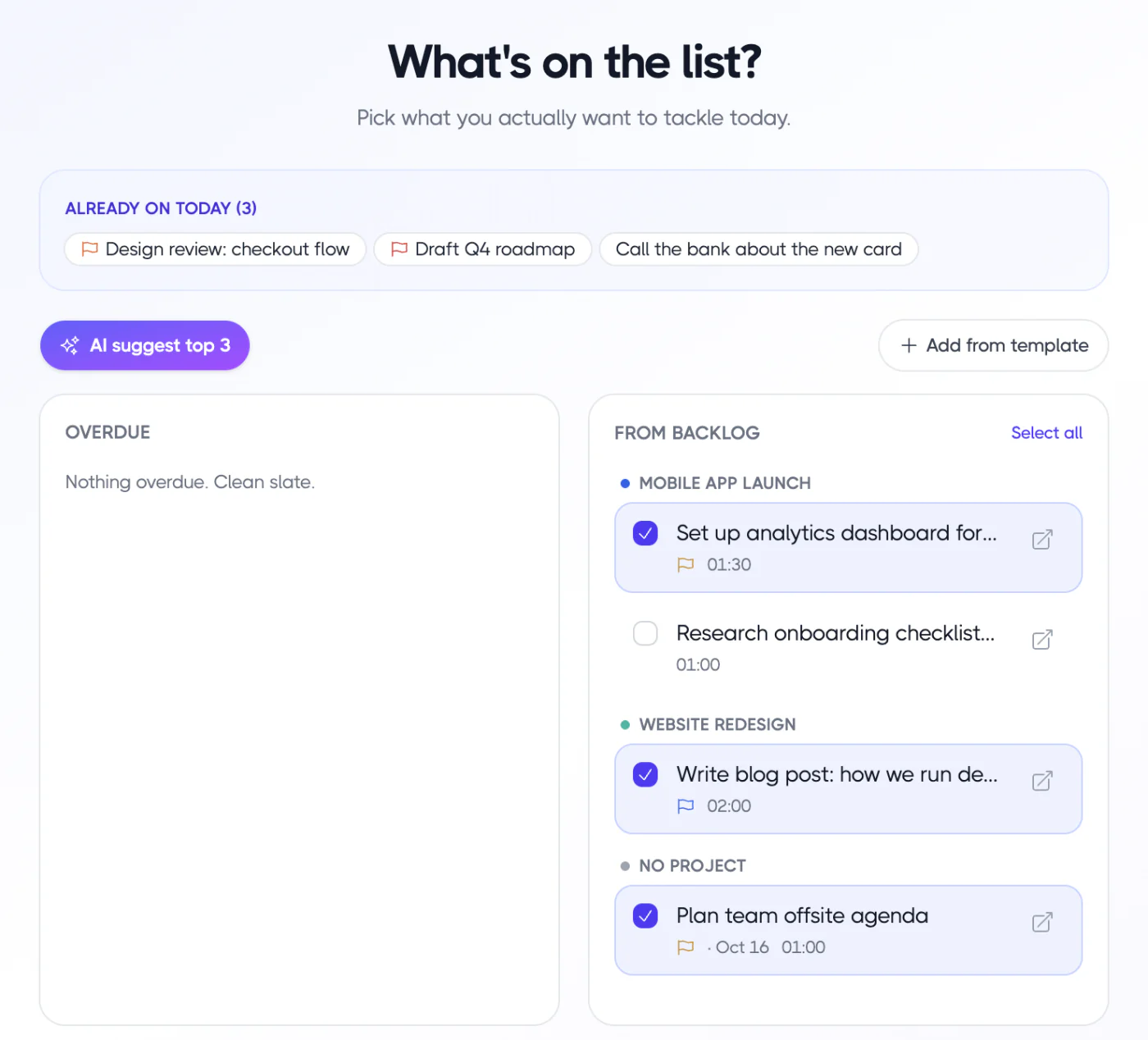
Connect your team tool, then run “Plan my day” each morning. Pick today’s tasks from the sidebar, overdue items and backlog, and either let “Plan it for me” fit them between meetings or keep them as a list. Each task shows a start and end time, and the “Done around …” finish time turns amber if you’ve planned past your shutdown time. Start a 15, 25, 45 or 60-minute focus session on the first task, with overtime counting if you keep going. Our ADHD planner page covers the rest.
FAQ
What is the best project management software for ADHD?
The one your team already uses, paired with a simple personal daily planner. Team tools are good at coordination; a daily planner with estimates and a timer is better at helping you start and finish today’s work.
Is Kanban good for ADHD?
It can be. Seeing cards move is motivating, and limiting “in progress” to one or two cards helps a lot. The risk is a board so full it becomes noise, so filter it to your own cards.
How do I manage multiple projects with ADHD?
Review all projects once a week and pick the next step for each. Then plan each day from those next steps, not from the full project lists. Tag tasks by project so you can see the balance.
Can I use Jira or Asana if I have ADHD?
Yes. Use filters or “my tasks” views to hide everything that isn’t yours, and pull today’s work into a separate daily plan so you’re not working from the full board.