When it comes to organizing your life, there’s no one-size-fits-all solution. That’s why I’ve compiled a list of the 5 best apps that can help you manage your tasks, organize your life, and make your days a little bit more efficient. Do you have any recommendations for other apps that could fit this category? Let me know in the comments!
Which app is best for you?
With so many great apps to choose from, it’s hard to know which one to choose. But don’t worry, we’re here to help. In this article, we’ll take a look at some of the best organizing apps available and help you decide which one is best for you. If you mainly need a planner for your day, see our guide to the best daily planner apps. After that, make sure to use it regularly to reap all of its benefits!
How do these 5 apps help you manage your tasks and organize everything?
By using the best apps for organizing your life, you’ll be able to free up more time to do the things you love. My list of the 5 best apps for managing your tasks and organizing everything will help you get started. From project management solutions to to-do list managers, these apps will help you get everything under control. So get started today with a clean slate and plenty of time to focus on what matters to you! Prices checked in October 2026.
1. Planzer.io: Plan your week ahead
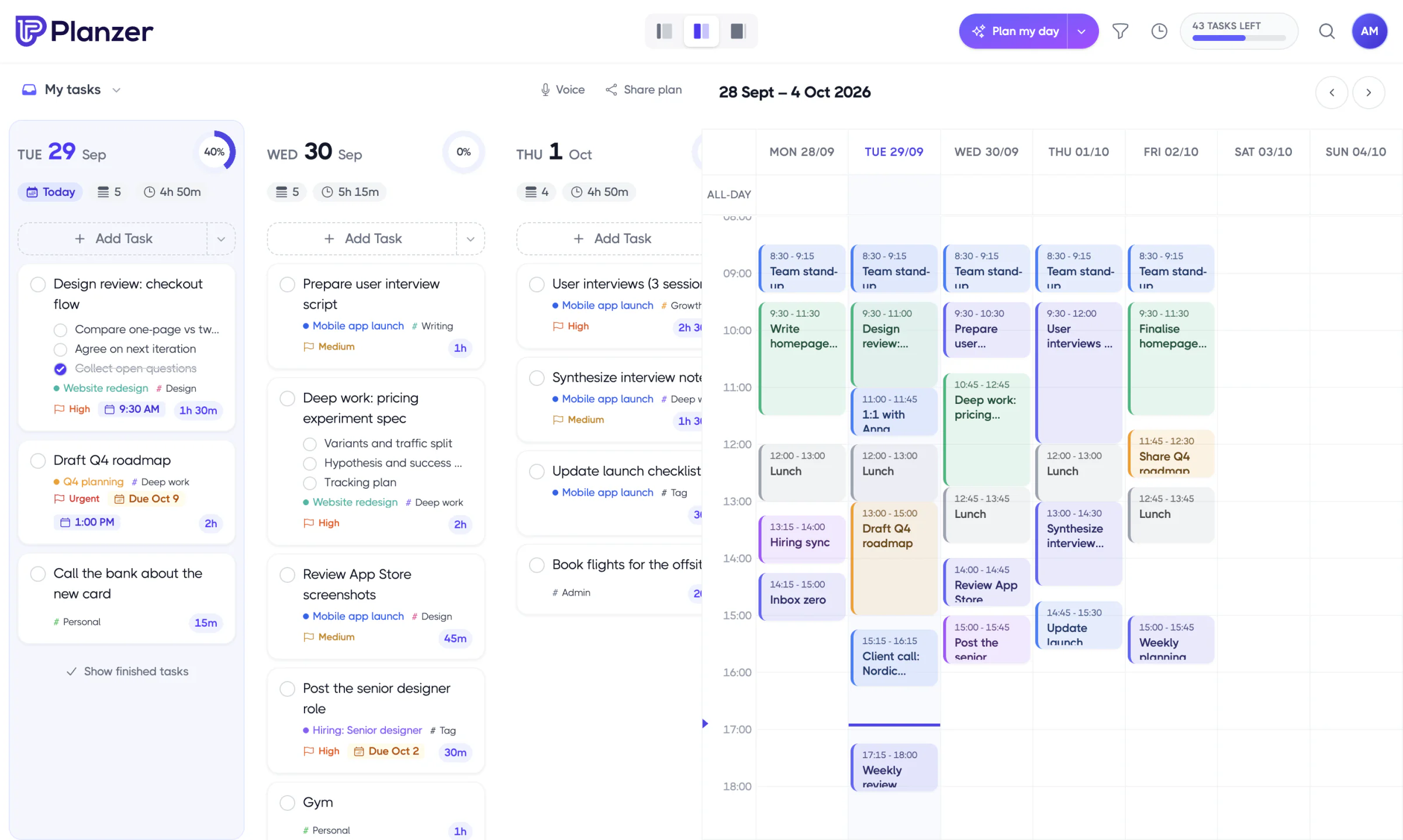
Life gets a lot calmer when you know what’s coming. That’s why we highly recommend using Planzer.io to help you manage your time and stay on top of your schedule. This app is perfect for those who want to plan their week ahead and stay organized. Weekly planning and a weekly review help you see what needs to be done and when, and a short guided routine each morning turns that into a plan for the day. Additionally, there are 16 integrations to pull in your emails and tasks so you can organize them all in one place, including Google Calendar, Outlook Calendar, iCloud Calendar, Outlook Mail, Trello, Notion, Todoist and Google Tasks. This helps you to not forget anything important. If you’re looking for an app that can help you manage your time, productivity, and to-do list on the web, your phone and your computer, then Planzer.io is the app for you! It runs on the web, iPhone/iPad, Apple Watch, Android, Mac, Windows and Linux. The free plan covers 100 tasks and all integrations, and Pro is $10/month, or $8/month billed yearly. It’s a personal planner, so it isn’t built for planning together with others.
2. Trello: Make a weekly plan
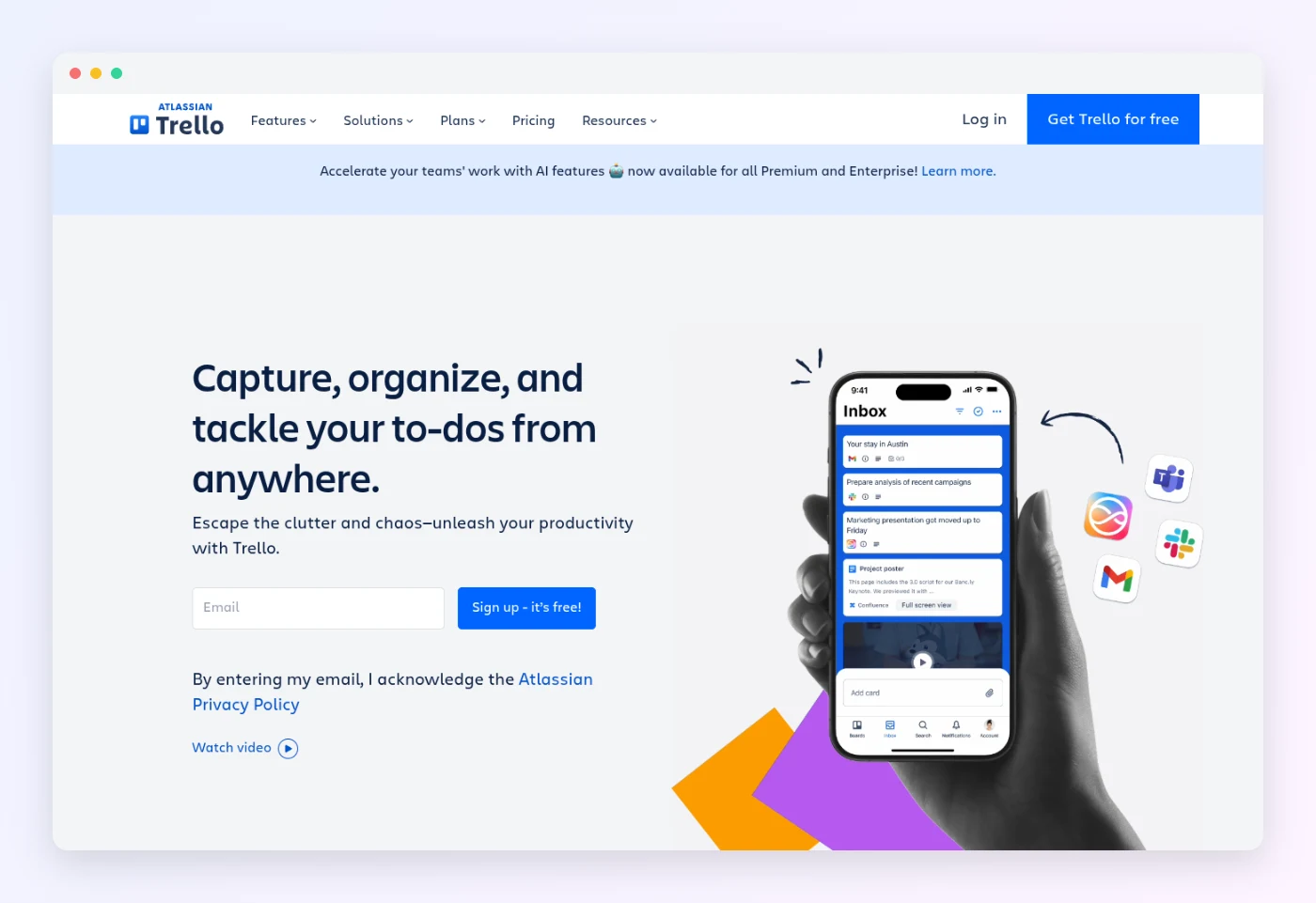
If you’re looking for an app to help organize your life, look no further than Trello! This app is perfect for making a weekly plan, managing projects and to-dos, and collaborating with others. Trello is versatile and can be used in a variety of ways to make your life more manageable. Whether you’re trying to stay on top of your daily to-do list or plan a collaborative project with friends, Trello has you covered. The free plan covers up to 10 collaborators per Workspace, and Standard is $5 per user per month billed yearly, or $6 monthly.
3. Asana: Use project management to plan your life
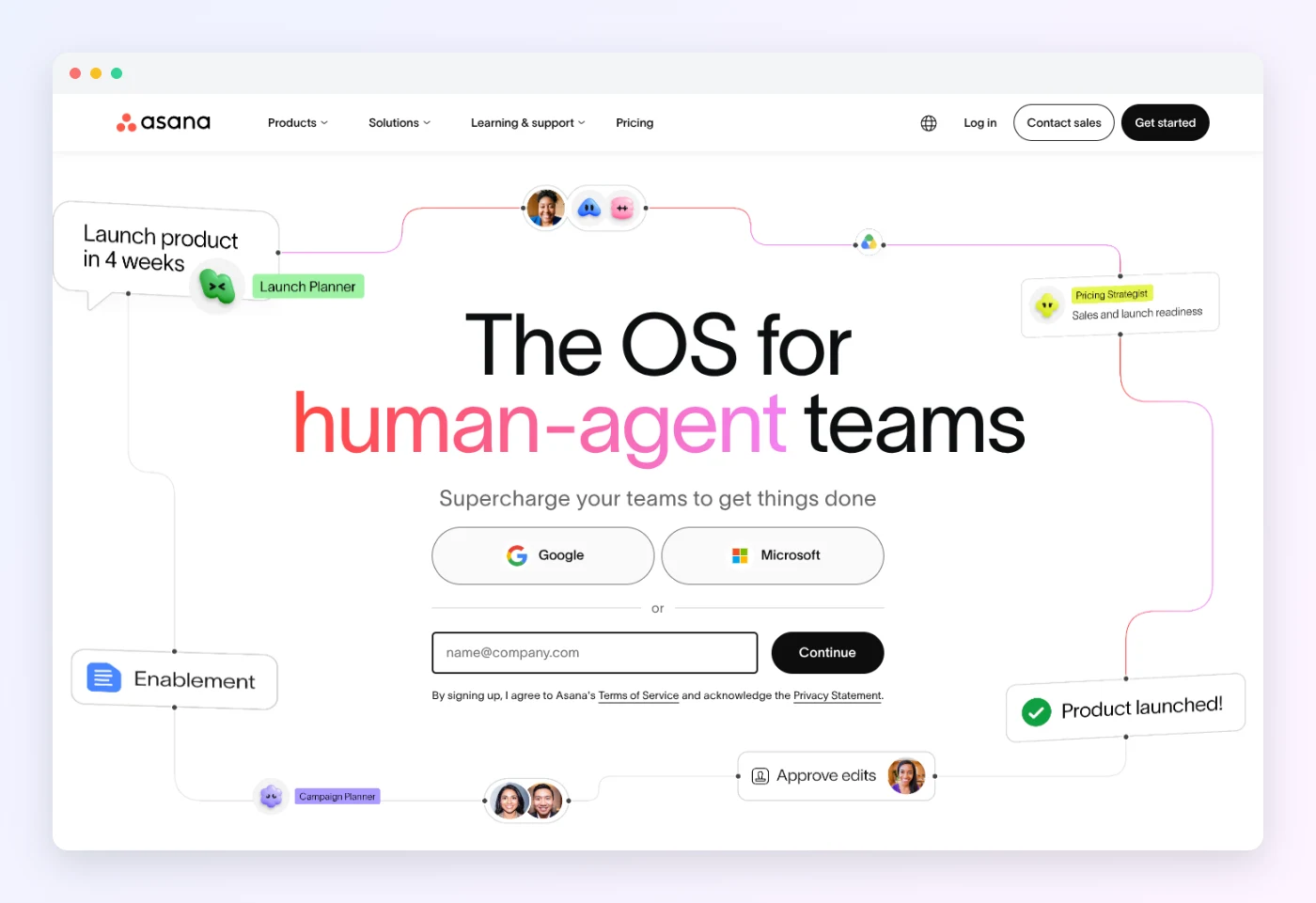
Organizing your life can be a daunting task, but with the help of Asana, it’s much easier. Asana is a great app for managing your time and life. It offers project management tools that make it easy to plan your day, week, and month. On the Advanced plan, it also has a goals feature that helps you connect your work to the bigger things you want to achieve. So, whether you’re looking to get your life in order or want to manage your time more efficiently, Asana is the app for you! The free Personal plan covers up to 2 users with unlimited tasks and projects, and Starter is $10.99 per user per month billed yearly.
4. Monday.com: Visual planning at ease
Looking to simplify your life and get organized? Monday.com lets you build colorful boards for anything you want to keep track of, from a home renovation to a side project. You can switch between views like a table, a Kanban board and a calendar, and track the status of each item at a glance. Whether you’re a busy parent or a student, Monday.com can help you get your life in order with visual planning. The free plan covers up to 2 seats and 3 boards, which is enough to try it for personal use.

5. Todoist: Simple to-do app to organize your day
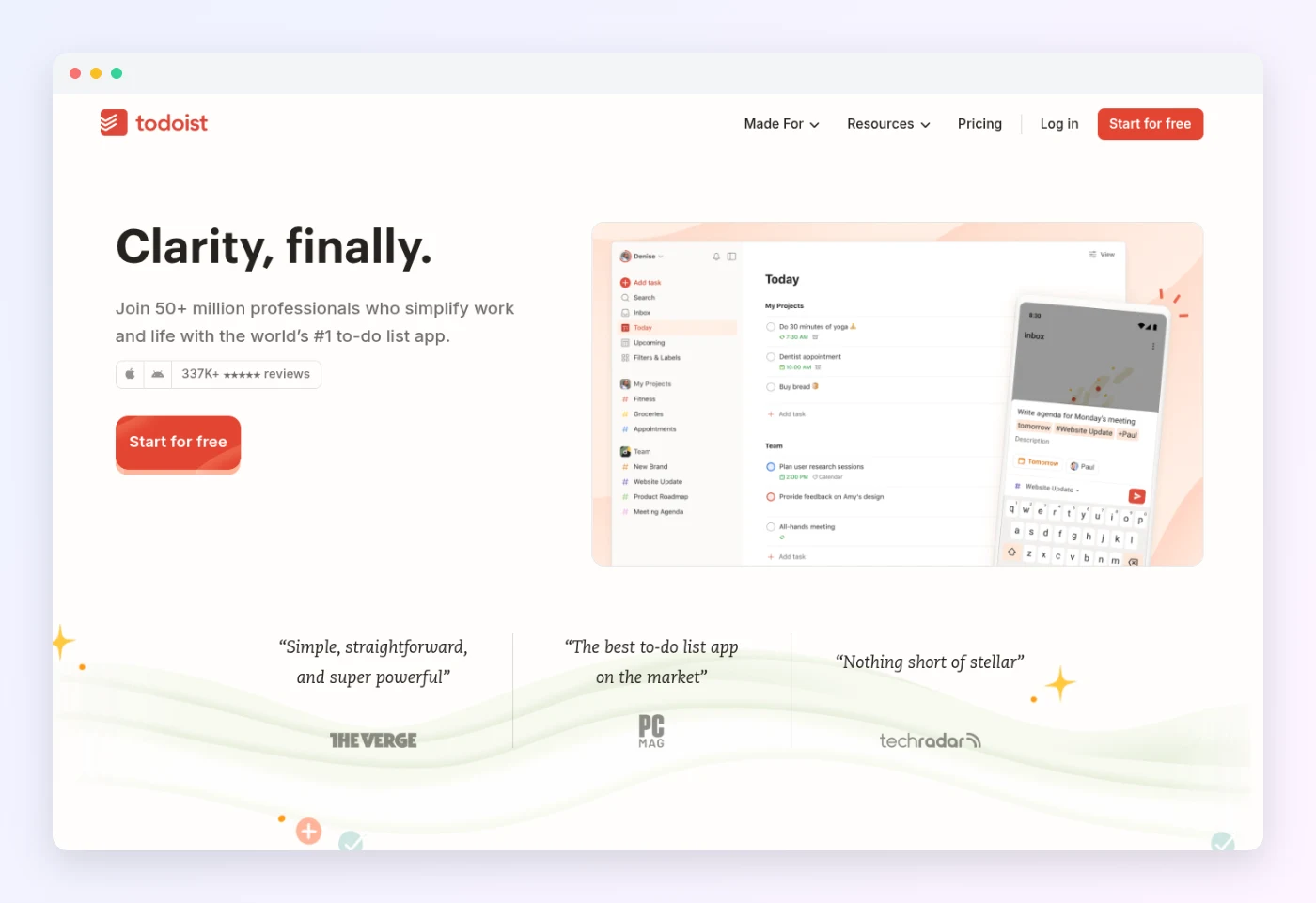
When it comes to managing your life, there’s nothing more frustrating than having to keep track of multiple to-do lists. That’s where Todoist comes in – an app that is easy to use and helps you keep all your tasks in one place. With features like adding multiple tasks, checking off items as you complete them, and setting deadlines, this app makes organizing your life much easier. Plus, it syncs across your devices and lets you add tasks in plain language, like “water the plants every Sunday”, making it perfect for people who are always on the go. So, if you’re looking to streamline your life and get things done more efficiently, Todoist is the app for you! The free Beginner plan includes 5 personal projects, and Pro is $5/month billed yearly, or $7 monthly.
How Planzer.io helps you organize your life
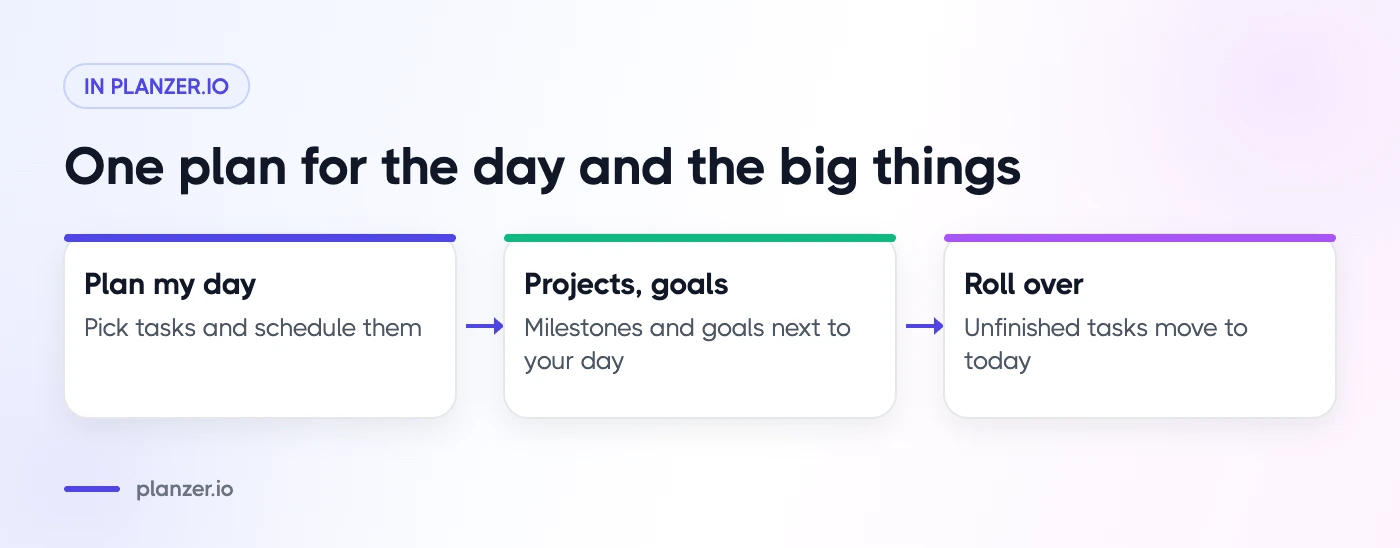
Planzer.io brings your tasks, calendar and the tools you already use into one daily plan. Each morning, Plan my day shows you today’s tasks, overdue work and meetings, and helps you pick what to do and schedule it around your calendar. Bigger things, like moving house or a personal goal, fit into projects and goals, where progress updates automatically as you finish the linked work. Unfinished tasks roll over to today automatically every night, so nothing falls through the cracks.
Conclusion
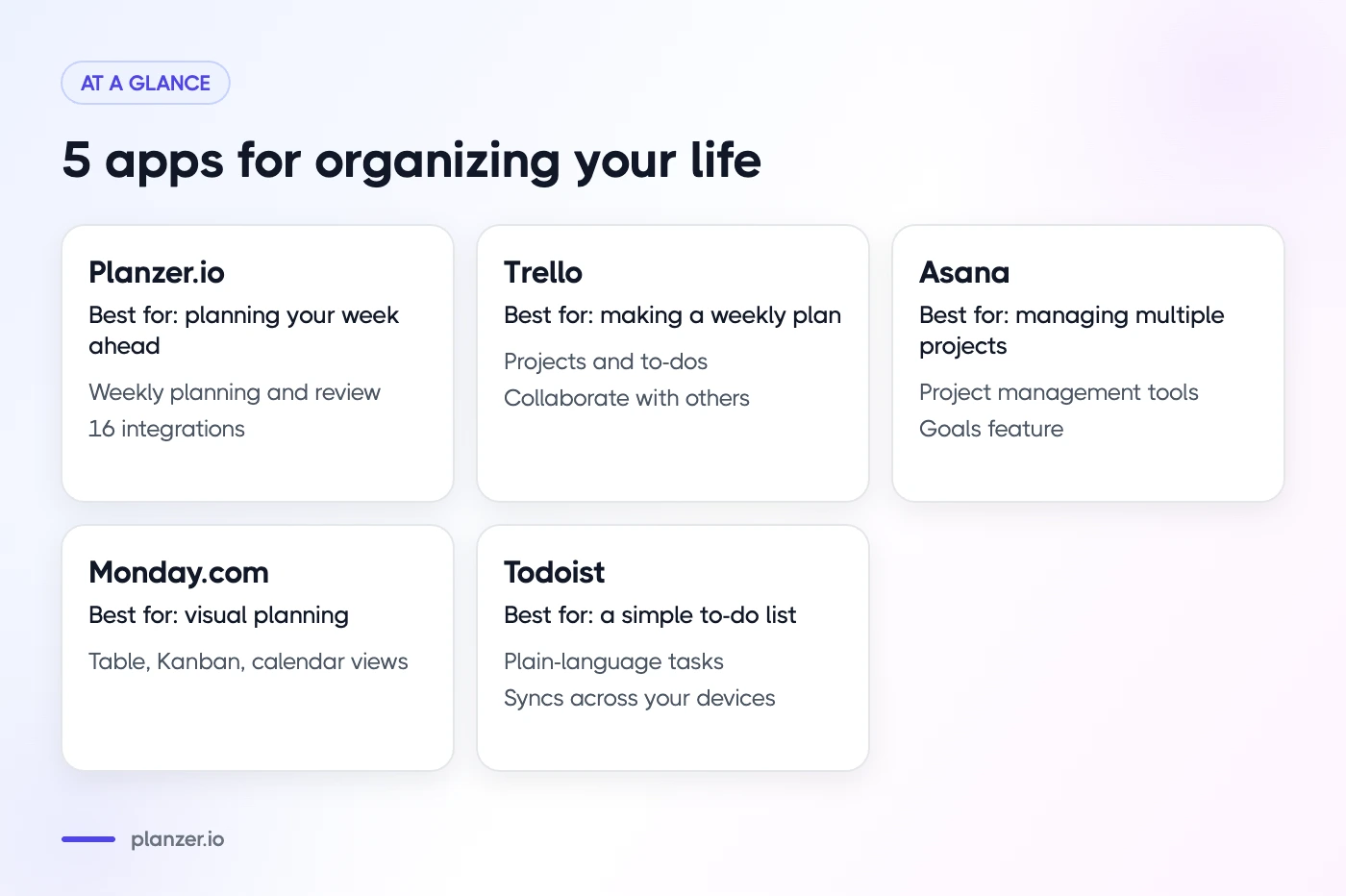
Organizing your life can be a daunting task, but with the help of these 5 best apps, it becomes a lot easier. Planzer.io allows you to plan your week ahead, while Trello makes it easy to make a weekly plan. Asana can help you manage multiple projects at once, and Monday.com provides you with a visual interface to help organize your day. Todoist is perfect for those who want to keep everything organized and simple. Try a couple of them for a week and see which one fits the way you like to plan. Not sure whether to start with your day or your week? Read should I plan my day or my week.
FAQ
Which apps are best for keeping track of your schedules, goals, and to-do lists?
There are a variety of apps available to help you manage your time and tasks. Most people use a combination of a calendar, a to-do list app and a planner. A daily planner like Planzer.io brings your schedule, goals and to-do lists together in one place.
Which apps can help you stay organized and productive?
There are multiple apps, but a combination of multiple apps can also be the answer. I recommend you test multiple for a week until you find the one that works for you.
What are the best features of the best apps for organizing your life?
A simple overview, good to-do functionality, and integrations with the tools you already use. These are 3 things you need to look at before you choose your productivity app.